Weight loss tracker
Weigh in once a week, write it down, watch the trend.
Examples temporarily replace the input and settings. You can restore your previous work.
Pro keeps the settings you use every week and puts them one click away. See Pro
Preview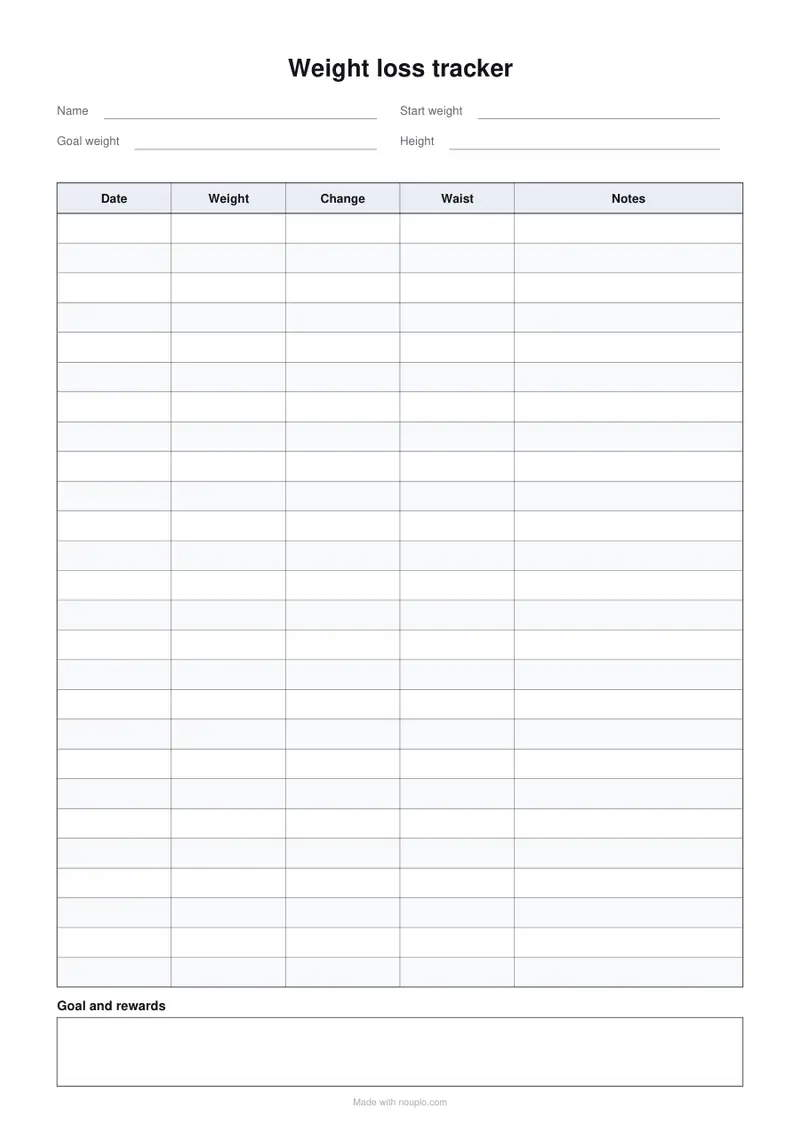
Free PDFs end with a small “Made with nouplo.com” line Remove limits with Pro
Save to PinterestYour files stay on your device
This tool runs entirely in your browser. Nothing is uploaded, nothing is stored, and you can even turn off your internet connection before you start.
Example
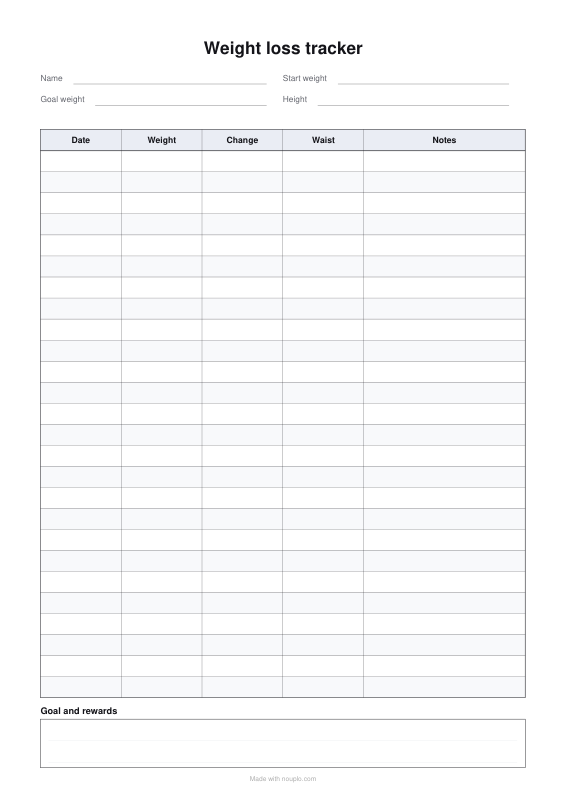
Worked example — Weight loss tracker
Use the following inputs and settings. Keep other settings at the page defaults.
| Item | Value |
|---|---|
| Starting on | 2026-11-02 |
| Output files | 1 |
| PDF pages | 1 |
| 210 × 297 mm |
Expected result — PDF · PDF pages: 1. The image shows the first PDF page.
How it works
- Fill in your start weight, goal and height at the top.
- Weigh in once a week at the same time of day and write the date, weight and change.
- Note your waist now and then — it shows progress the scale can miss.
Frequently asked questions
- How often should I weigh myself?
- Once a week, on the same day, at the same time, before breakfast, is enough: day-to-day weight jumps up and down with water and food, and the weekly trend is what counts.
- Why write down my waist too?
- When you exercise, you can lose fat and gain muscle at the same time — the waist shows it even when the scale doesn’t move.
- Can I use it daily?
- Yes — set more rows and fill the dates in each day, or rename the columns.
- Can I use kilograms or pounds?
- Either — the columns are blank, so write in the unit you use. The BMI calculator works out your BMI from your height and weight.
- Is anything uploaded?
- No. The sheet is made in your browser.
Made for a specific use
- Reading log printable
- Vehicle maintenance log
- Pet health record
- Address book
- Wedding guest list
- Lesson plan template
- Gratitude journal
- Baby feeding log
- Bill tracker
- Headache diary
- Food diary
- Sleep log
- Workout log
- Christmas gift list
- Printable to-do list
- Printable recipe sheet
- Mileage log printable
- Petty cash log
- Income log for the self-employed
- Spelling test template
- Meal planner
- Shopping list
- Chore chart
- Blood pressure log
- Medication schedule
- Weekly planner
- Event run sheet
- Daily report
- Allowance book
- Monthly budget planner
- Fax cover sheet
- Roster
- Attendance sheet
- Stocktake sheet
- Equipment handover form
- Leave request form
- Circulation sheet