Chore chart
A box for every chore, every day of the week.
Examples temporarily replace the input and settings. You can restore your previous work.
Pro keeps the settings you use every week and puts them one click away. See Pro
Preview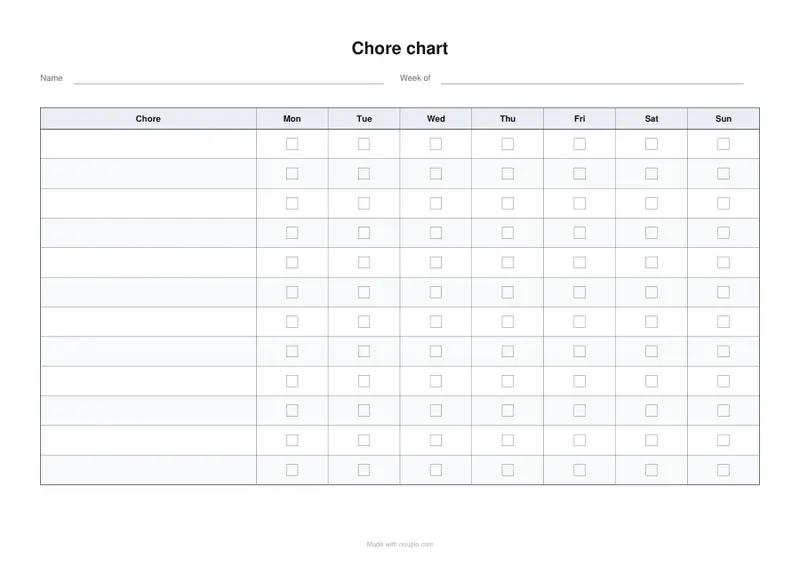
Free PDFs end with a small “Made with nouplo.com” line Remove limits with Pro
Save to PinterestYour files stay on your device
This tool runs entirely in your browser. Nothing is uploaded, nothing is stored, and you can even turn off your internet connection before you start.
Example
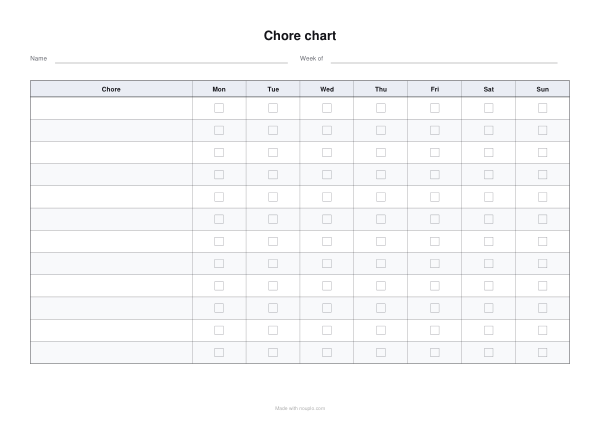
Worked example — Chore chart
Use the following inputs and settings. Keep other settings at the page defaults.
| Item | Value |
|---|---|
| Starting on | 2026-11-02 |
| Output files | 1 |
| PDF pages | 1 |
| 297 × 210 mm |
Expected result — PDF · PDF pages: 1. The image shows the first PDF page.
How it works
- Keep the first column as “Chore”. The rows underneath stay blank, so one printing covers many weeks and the chores can change without a reprint.
- Change the day headings if the week runs differently, and add or remove rows for how many chores there are.
- Every column after the first is tick boxes, so a week of squares appears against each row.
- Download and print. One sheet per child, or one sheet with a name column, whichever causes fewer arguments.
Frequently asked questions
- Can I print the chores on it rather than writing them?
- Yes. Set Fill the first column with to A list of my own and type one chore per line: they are printed down the Chore column, and any rows left over stay blank. Leave the list empty if the chores change often, so one printing lasts many weeks.
- Can I add a column for pocket money?
- Yes. Add a heading like “Earned|2” at the end of the columns. So that it is a column to write in, set The columns after the first are to Space to write in and put a star after each day (Mon*, Tue* …): only the starred columns become tick boxes.
- How many chores fit?
- Twelve rows on a landscape sheet leaves the squares big enough for a child to tick. Push it to twenty and the rows get tight.
- Is anything uploaded?
- No. The PDF is drawn in your browser, so whatever you type stays on your computer.
- Is it free?
- Yes. The free plan adds a small line at the foot of the sheet; Pro leaves it off.
Made for a specific use
- Reading log printable
- Vehicle maintenance log
- Pet health record
- Address book
- Wedding guest list
- Lesson plan template
- Gratitude journal
- Baby feeding log
- Bill tracker
- Headache diary
- Food diary
- Sleep log
- Workout log
- Christmas gift list
- Printable to-do list
- Weight loss tracker
- Printable recipe sheet
- Mileage log printable
- Petty cash log
- Income log for the self-employed
- Spelling test template
- Meal planner
- Shopping list
- Blood pressure log
- Medication schedule
- Weekly planner
- Event run sheet
- Daily report
- Allowance book
- Monthly budget planner
- Fax cover sheet
- Roster
- Attendance sheet
- Stocktake sheet
- Equipment handover form
- Leave request form
- Circulation sheet
Related tools
⌸ Form maker Your headings, your rows, a sheet that prints straight. 刊 Timesheet Every day of the period already dated, ready to write the hours in. ▤ Printable calendar Monthly pages with room to write, or the year at a glance, with your country’s holidays marked. 議 Meeting minutes The facts in a box, then what was decided and who is doing what.