Math worksheet generator
A fresh page of sums whenever you need one, with the answers on a page of their own.
Examples temporarily replace the input and settings. You can restore your previous work.
Pro keeps the settings you use every week and puts them one click away. See Pro
Free PDFs end with a small “Made with nouplo.com” line Remove limits with Pro
Save to PinterestYour files stay on your device
This tool runs entirely in your browser. Nothing is uploaded, nothing is stored, and you can even turn off your internet connection before you start.
Example
Example: a 7 times table quiz of 20 sums with an answer page
A third-grade teacher gives a Friday quiz on the 7s. She chooses “One times table” and the table 7, 20 sums, keeps “Add an answer sheet” on, types the title 7 Times Table Quiz and picks Letter paper.
- The sums are dealt like cards: 7 × 1 to 7 × 10 in a shuffled run, then again in a new order, so each of the ten facts comes up exactly twice and never twice in a row.
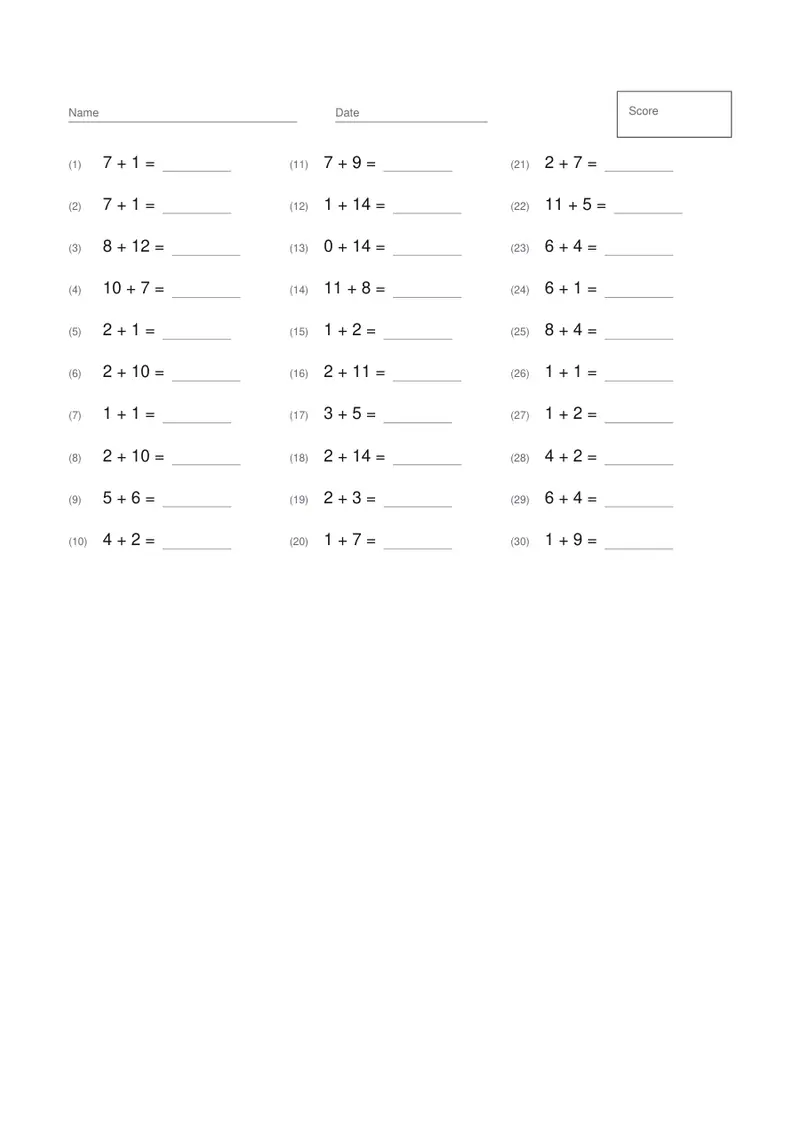
- Page 1 is the quiz: the title, lines for Name and Date, a Score box, and the sums numbered (1) to (20) in three columns of 7, 7 and 6, each with a line for the answer.
- Page 2 is the same sheet with the answers printed in grey and “(Answers)” beside the title, for marking at a glance.
- Download times-tables-worksheet.pdf, print page 1 for the class and keep page 2. The next download deals a new order.
| Sums | Numbers up to | What the sheet holds | Columns |
|---|---|---|---|
| Addition | 20 | Answers 2 to 20, both numbers from 1; a + 0 in about one sum in 20 | 3 |
| Subtraction | 20 | A number up to 20 minus one no larger, never below zero | 3 |
| Multiplication | 100 | Factors 2 to 10, products 100 at most | 2 |
| Division | 100 | Numbers up to 100 divided by 2 to 10, always a whole answer | 2 |
| One times table | — | The chosen table, × 1 to × 10 | 3 |
Twenty facts on one page and the key on the next, in a new order every time it is downloaded, so last week’s sheet can’t be learned by position. On the free plan a small line is printed at the foot of the answer page.
How it works
- Choose the kind of sums and how large the numbers go.
- Choose how many sums fit the child’s attention — 20 to 30 is a usual page.
- Keep the answer sheet on for marking, or turn it off to print only the worksheet.
- Download and print. Come back for a new page: the numbers are drawn again every time.
Frequently asked questions
- Will subtraction ever go below zero?
- No. Subtraction is built so the answer is never negative, and division always comes out whole — a worksheet that hides a surprise like that has to be thrown away.
- Can I practise one times table?
- Yes: choose “One times table” and the table you want. Leave it on “All of them” for mixed tables practice.
- Is it the same sheet every time?
- No. The numbers are drawn fresh on each download, which is the point of a drill.
- Does it go up to the 12 times table?
- The sums practise × 1 to × 10, and “One times table” offers the 1s to the 10s. For the 11s and 12s, choose “A times-table chart to pin up” and “Up to 12 × 12”: a grid to read every answer from, with the squares (1 × 1 to 12 × 12) picked out down the diagonal.
- What does “Numbers up to” mean for multiplication and division?
- It caps the biggest number on the sheet. With 100, multiplication uses factors from 2 to 10 and never goes past 100, and division divides numbers up to 100 by 2 to 10 with a whole answer. With 1000 the factors run up to 32 and products stay at 1000 or less.
- Is it free?
- Yes. The free plan adds a small line at the foot of the last page.