Brain games for seniors
A little exercise for the mind, every day.
Examples temporarily replace the input and settings. You can restore your previous work.
Pro keeps the settings you use every week and puts them one click away. See Pro
Your files stay on your device
This tool runs entirely in your browser. Nothing is uploaded, nothing is stored, and you can even turn off your internet connection before you start.
Example
Worked example — Brain games for seniors
Use the following inputs and settings. Keep other settings at the page defaults.
| Item | Value |
|---|---|
| Exercises | Numbers |
| Pages | 1 |
| Add the answers | On |
| Sheet number (change it for new exercises) | 1 |
| Output files | 1 |
| PDF pages | 2 |
| 216 × 279 mm |
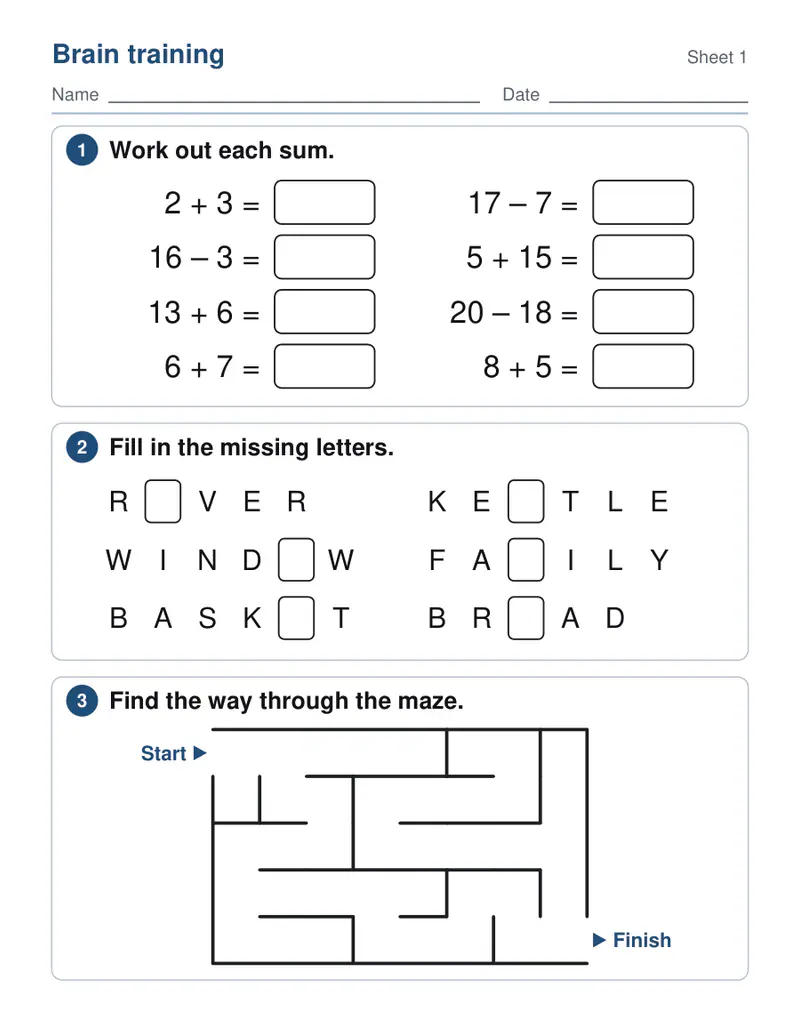
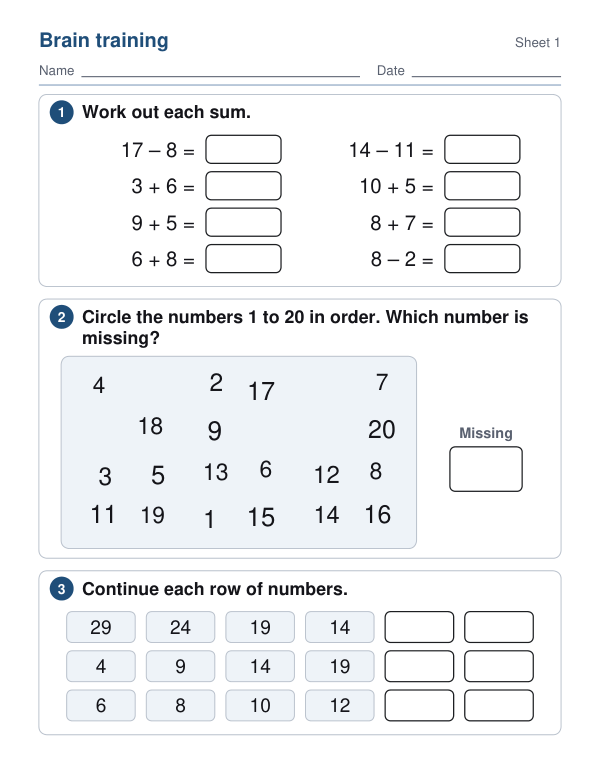
Expected result — PDF · PDF pages: 2. The image shows the first PDF page.
How it works
- Choose numbers, words, puzzles or a mix, and a gentle or more challenging level.
- Choose 1, 2, 4 or 6 pages — change the sheet number for new exercises.
- Work through them with a pen; the answers are at the end.
Frequently asked questions
- Who are these puzzles for?
- Older adults who enjoy keeping their mind busy — at home, with family, or in activity groups at care homes and day centres.
- Why large print?
- Big type, generous boxes and plenty of space make the exercises comfortable to read and write, without reading glasses getting in the way of the fun.
- What kinds of exercises are there?
- Sums and number sequences, a number search, missing letters, well-known sayings to finish, words by category, word searches, mazes, opposites and clocks.
- Are there new puzzles every time?
- Yes — change the sheet number and every exercise is new.
- Is anything uploaded?
- No. The pages are made in your browser.