Spot the difference
Two pictures, a few differences — can you find them all?
Examples temporarily replace the input and settings. You can restore your previous work.
Pro keeps the settings you use every week and puts them one click away. See Pro
Preview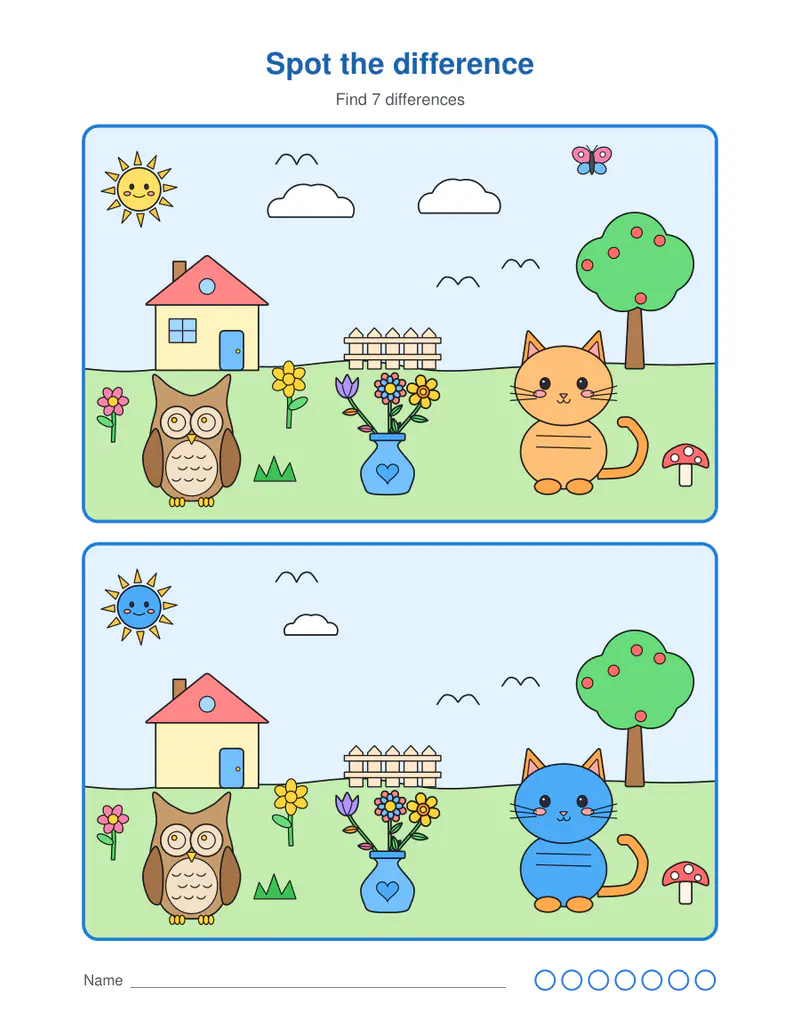
Free PDFs end with a small “Made with nouplo.com” line Remove limits with Pro
Save to PinterestYour files stay on your device
This tool runs entirely in your browser. Nothing is uploaded, nothing is stored, and you can even turn off your internet connection before you start.
Example
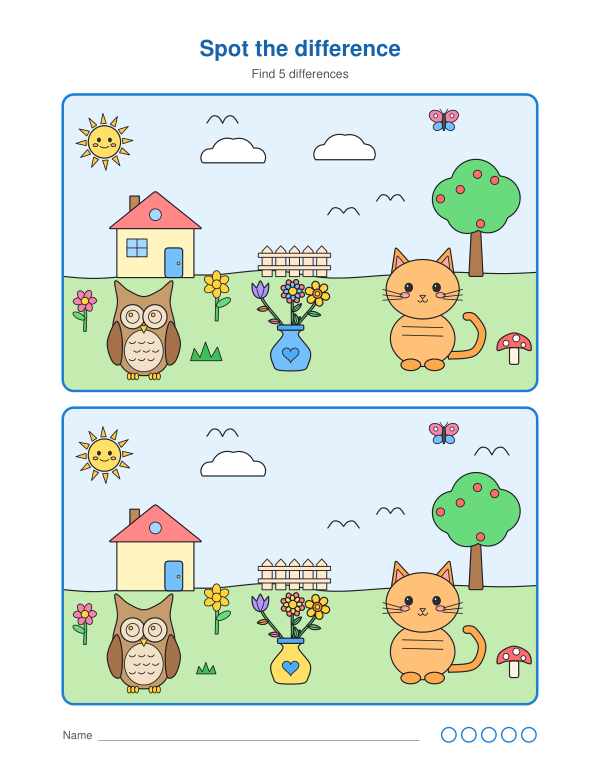
Worked example — Spot the difference
Use the following inputs and settings. Keep other settings at the page defaults.
| Item | Value |
|---|---|
| Differences | 5 |
| Puzzles | 1 |
| Add the answers | On |
| Puzzle number (change it for new pictures) | 1 |
| Output files | 1 |
| PDF pages | 2 |
| 216 × 279 mm |
Expected result — PDF · PDF pages: 2. The image shows the first PDF page.
How it works
- Choose the pictures, how many differences and easy or hard.
- Pick how many puzzles; change the puzzle number for new ones.
- Print — the answers, circled and numbered, come after all the puzzles, in the same order.
Frequently asked questions
- Are the puzzles new every time?
- Yes — the pictures and the differences are made by the page, so every puzzle number gives a different one.
- Easy or hard — which should I choose?
- Easy changes whole objects and colours, good from about four years. Hard hides small details — a missing window, a flipped leaf — for older children and adults.
- Can I print them in black and white?
- Yes — choose outlines: the differences are then in the shapes only, and the pictures can be coloured in afterwards.
- Is there an answer key?
- Yes, after each puzzle, with every difference circled and numbered. Untick it to print the puzzles alone.
- Is anything uploaded?
- No. The puzzles are made in your browser.