Test maker
Type the questions; print the test, the versions and the keys.
Examples temporarily replace the input and settings. You can restore your previous work.
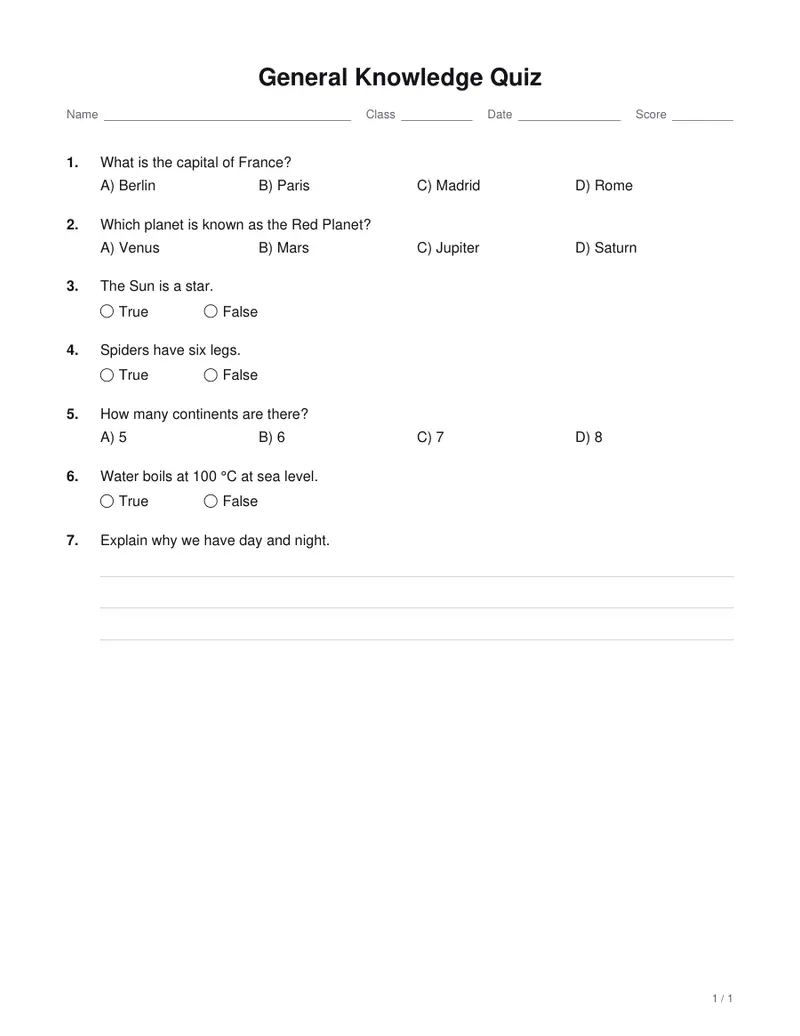
One question per line, numbered or not. Put each choice on its own line under it, a) b) c) d), with * in front of the right one: “*b) Paris”. End a true-or-false question with (T) or (F). A question with no choices is an open question with 3 answer lines; add (lines: 5) for more. Add (5 pts) to give a question its own points.
Pro keeps the settings you use every week and puts them one click away. See Pro
Free PDFs end with a small “Made with nouplo.com” line Remove limits with Pro
Save to PinterestYour files stay on your device
This tool runs entirely in your browser. Nothing is uploaded, nothing is stored, and you can even turn off your internet connection before you start.
Example
Example: a 7-question States of Matter quiz in two versions, with keys
A fourth-grade science quiz: three multiple-choice questions, three true-or-false and one open question marked (lines: 4) (20 pts). Settings: points shown, questions and choices shuffled, Two versions (A and B), shuffle number 1, bubble answer sheet and answer key, US Letter.
- The open question keeps its 20 points and the other six share the remaining 80: two get 14 and four get 13, so each version adds up to 100.
- Questions and choices are shuffled per version: Version A opens with the condensation question, Version B with the metal-tray one.
- The PDF runs Version A, its answer sheet, Version B, its answer sheet, then both keys on the last page: 5 pages.
| Question | Version A | Version B |
|---|---|---|
| 1 | A (Condensation) | True |
| 2 | D (It freezes) | True |
| 3 | False | False |
| 4 | True | open question |
| 5 | True | B (Solid) |
| 6 | A (Solid) | B (It freezes) |
| 7 | open question | B (Condensation) |
states-of-matter-quiz.pdf: hand out A and B to neighbors, collect the bubble sheets and mark them against the keys on page 5. The open question has no key answer, so mark it out of 20 yourself.
How it works
- Type the questions: choices on their own lines with * before the right one, (T) or (F) after a true-or-false question.
- Choose points, one or two columns, shuffling, versions, a bubble answer sheet and the answer key.
- Download the PDF and print it: each version followed by its answer sheet, then the answer keys.
Frequently asked questions
- How do I type the questions?
- One question per line, numbered or not. Put each choice on its own line under it, a) b) c) d), with * in front of the right one: “*b) Paris”. End a true-or-false question with (T) or (F). A question with no choices is an open question with answer lines; add (lines: 5) for more, or (5 pts) to give it its own points. A question with choices but none marked is pointed out by number.
- What are versions, and is there a key for each?
- Two or four copies of the test, A to D, with the questions and choices shuffled into a different order, so neighbors cannot copy. Each version prints its letter at the top and has its own answer key; the bubble answer sheet, with a row of circles per question, is quick to mark against it.
- How are points worked out?
- With points shown, the test adds up to 100: questions you give points to keep them, and the rest share what is left. The header has lines for name, class, number, date and score.
- In what order are the pages?
- Each version is followed by its bubble answer sheet, and the answer keys for all versions come at the end. Two versions with answer sheets and keys make a 5-page PDF for a 7-question test.
- Will a reprint match the keys I already have?
- Yes, as long as the shuffle number stays the same: the same number always gives the same order. Change it for a new order of questions and choices, and print the new keys with it.
- Is anything uploaded?
- No. The test is made in your browser, and nothing you type leaves your device. On the free plan a small line with our name is printed at the foot of the last page.