Matching worksheet maker
Type the pairs; get two shuffled columns to join with a line.
Examples temporarily replace the input and settings. You can restore your previous work.
Pro keeps the settings you use every week and puts them one click away. See Pro
Preview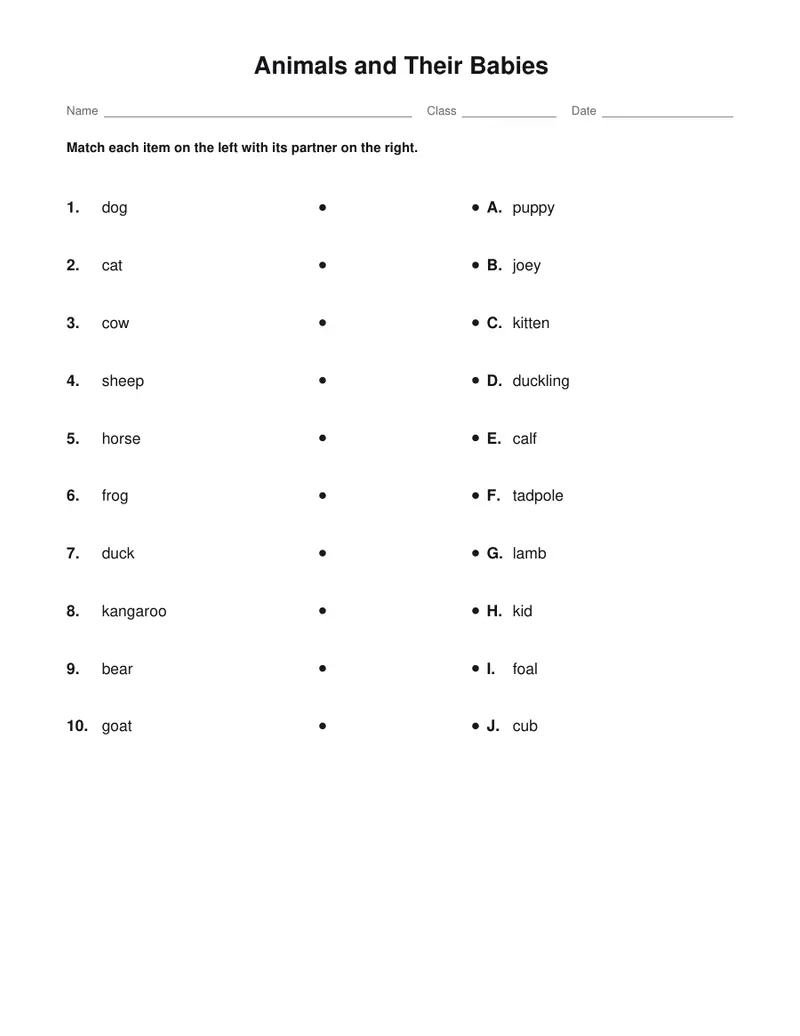
Free PDFs end with a small “Made with nouplo.com” line Remove limits with Pro
Save to PinterestYour files stay on your device
This tool runs entirely in your browser. Nothing is uploaded, nothing is stored, and you can even turn off your internet connection before you start.
Example
Worked example — Matching worksheet maker
Type one pair per line with a dash between the halves, such as “dog - puppy”: 3 to 30 pairs. Use the following inputs and settings. Keep the other settings at the page defaults.
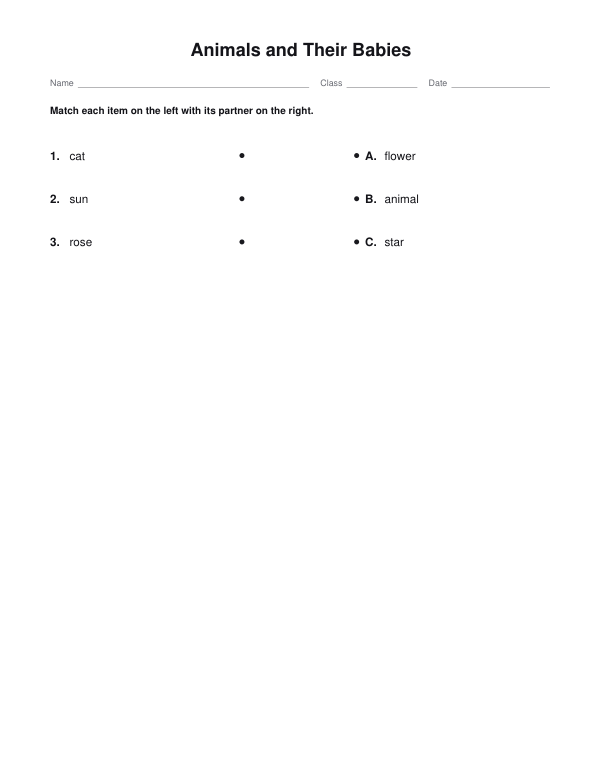
| Item | Value |
|---|---|
| Pairs, one per line: left - right 1 | cat = animal |
| Pairs, one per line: left - right 2 | sun = star |
| Pairs, one per line: left - right 3 | rose = flower |
| Add an answer page | On |
| Output files | 1 |
| PDF pages | 2 |
| Paper | 216 × 279 mm |
Expected result — PDF · PDF pages: 2 · 216 × 279 mm. The preview shows the first PDF page.
How it works
- Type one pair per line with a dash between the halves, such as “dog - puppy”: 3 to 30 pairs.
- Choose lines between dots or letters in boxes, add instructions and an answer page; another sheet number gives another order.
- Download the PDF and print it: the worksheet, then the answer key.
Frequently asked questions
- How do I type the pairs?
- One pair per line, the two halves split by a dash with spaces around it, an equals sign, a colon or a tab: “dog - puppy”, “dog = puppy”, “dog: puppy”. A line with none of these is left out. The left halves are numbered in the order you type them; the right halves are lettered and shuffled.
- Lines or letters: which should I choose?
- Lines between dots suit younger children, who draw a line from each word to its partner. Letters in boxes suit older pupils and are quicker to mark: they write the letter of the answer next to each number. The answer page draws the lines in or writes the letters, with a “1–C, 2–A” key.
- How many pairs can I use?
- From 3 to 30. Up to 15 make one exercise; 16 to 30 are split into two, each lettered from A, so the lines stay easy to follow.
- Can I make different versions for a class?
- Yes. Change the sheet number and the right column is shuffled into another order, with its own answer key. The same number always gives the same sheet.
- Is anything uploaded?
- No. The worksheet is made in your browser, and nothing you type leaves your device. On the free plan a small line with our name is printed at the foot of the last page.
Related tools
▁ Fill in the blanks worksheet maker Mark the words; print the gaps and the word bank. ⊚ Test maker Type the questions; print the test, the versions and the keys. ▚ Crossword puzzle maker Your words and clues, crossed into a puzzle to print. ⌕ Word search maker Your spelling list, hidden in a grid of letters.