Bubble answer sheet maker
Choose the questions and choices; print the bubble sheets and the key.
Examples temporarily replace the input and settings. You can restore your previous work.
Pro keeps the settings you use every week and puts them one click away. See Pro
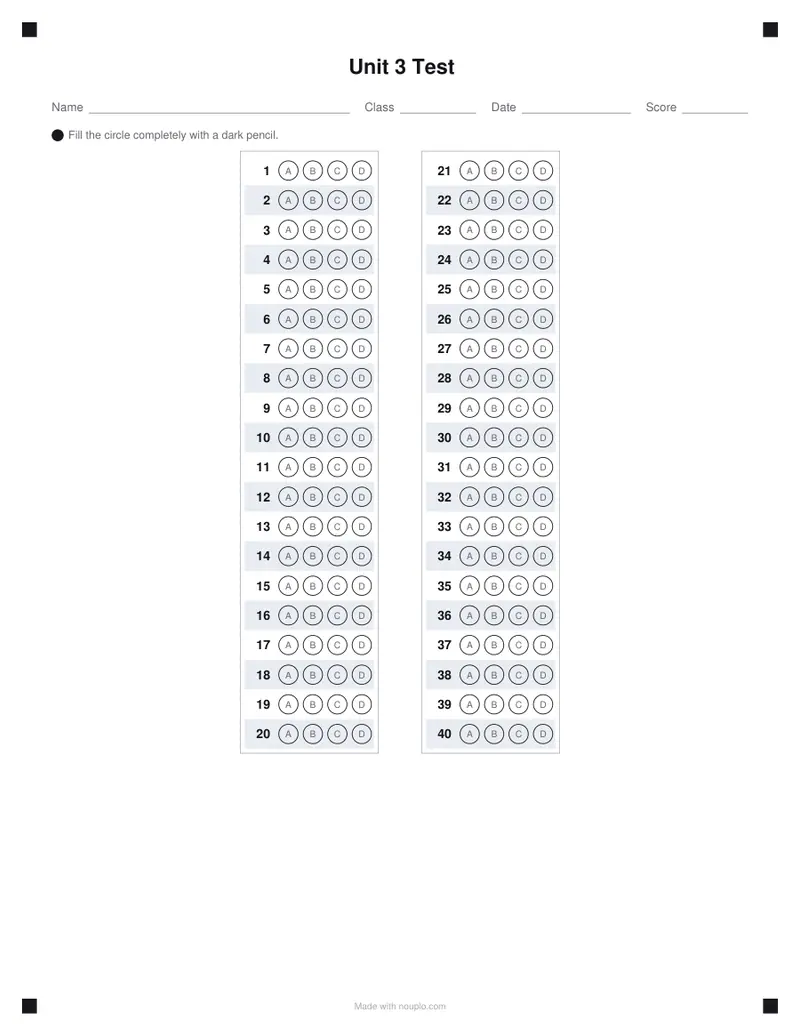
Free PDFs end with a small “Made with nouplo.com” line Remove limits with Pro
Save to PinterestYour files stay on your device
This tool runs entirely in your browser. Nothing is uploaded, nothing is stored, and you can even turn off your internet connection before you start.
Example
Example: a 50-question biology test, two sheets to a Letter page, for 28 students
A ninth-grade biology teacher gives a 50-question multiple-choice unit test in two versions. Settings: 50 questions, Four (A to D), a 6-digit student number grid, the booklet row ticked, two half sheets to a page, 28 sheets, title “Biology Unit 4 Test”, class “Room 214 — Period 3”, US Letter, and the 50 right answers typed in.
- Each Letter page prints in landscape with two half sheets and a dashed line between them to cut along: 28 sheets take 14 pages.
- Every sheet has lines for name, class, date and score, the student number grid with a column of 0 to 9 under each digit, the A–D booklet row, and 50 rows of A B C D bubbles.
- Because the answers were typed (BADCA CDBBA …), page 15 is “Biology Unit 4 Test — Answer key” with the right circles filled in black.
- A typo is caught before printing: an E on a four-choice sheet gives “Answer 5 is “E”, but the sheet has choices A–D.”, and 51 answers for 50 questions are refused too.
| You choose | You get |
|---|---|
| 28 sheets, one to a page | 28 portrait Letter pages and a key page: 29 |
| 28 sheets, two to a page | 14 landscape pages and a key page: 15 |
| Up to 72 questions with the 6-digit grid and booklet row, two to a page | Still two half sheets on each page |
| 73 or more of those | One sheet per page, and a note says so |
| Up to 110 questions A–D, no grid, two to a page | Still two half sheets on each page |
biology-unit-4-test.pdf, 15 pages. Print it at 100 % on Letter paper, cut along the dashed lines and the class has 28 half sheets; to mark them, hold the key next to each one.
How it works
- Choose the number of questions, four or five choices, and a student number grid or booklet row if you need them.
- Choose one or two sheets per page and how many to print; type the right answers to get a filled-in key.
- Download the PDF and print it at 100 %, then hand out the sheets with your test.
Frequently asked questions
- How many questions fit on one sheet?
- Up to 120 questions with five choices fit on one A4 or Letter page, even with an eight-digit student number grid. With fewer questions, two half sheets share a landscape page, with a dashed line to cut along; if the questions do not fit on a half, each sheet gets a page of its own.
- How do I make the answer key?
- Tick “Add an answer key sheet”, and type the right answers if you like: letters in order, like ABDCA BBCDA, or numbered, like 1A 2B 3D. Spaces and commas do not count, and _ or ? skips a question. The key sheet has the answers filled in black, ready to hold next to a student’s sheet when you mark it by hand.
- How should I print the sheets?
- Print at 100 % (actual size), with no “fit to page” scaling, so the circles stay round and evenly spaced. Each sheet has lines for name, class, date and score at the top and asks students to fill each circle completely with a dark pencil.
- How many sheets can I make at once?
- Up to 40 in one PDF: 40 pages with one sheet to a page, or 20 landscape pages with two, plus the key page if you want it. For a bigger group, print the PDF twice or make a second one.
- What happens if I type a wrong answer for the key?
- The PDF is not made and the page says what is wrong: “Answer 5 is “E”, but the sheet has choices A–D.” for a letter the sheet does not have, or “There are 11 answers but only 10 questions on the sheet.” for one answer too many. Fix it and press Make PDF again.
- Is anything uploaded?
- No. The sheets are made in your browser, and nothing you type leaves your device. On the free plan a small line with our name is printed at the foot of the last page.