Printable bookmarks
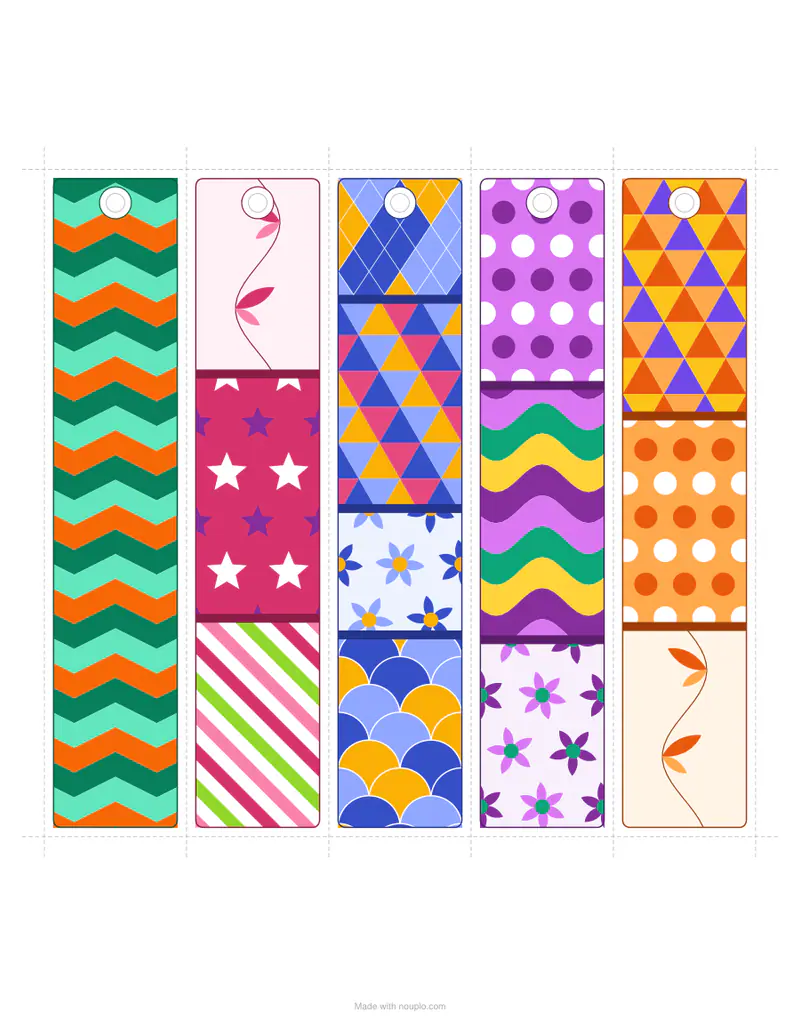
Patterns, colour-in designs or your own words — a sheet of bookmarks to cut out.
Examples temporarily replace the input and settings. You can restore your previous work.
Pro keeps the settings you use every week and puts them one click away. See Pro
Your files stay on your device
This tool runs entirely in your browser. Nothing is uploaded, nothing is stored, and you can even turn off your internet connection before you start.
Example
Example: 12 reading-log bookmarks with each child’s name, six to a US Letter sheet
A third-grade teacher gives each of the 12 children in her reading group a bookmark to list the books they finish. Settings: Plain, with lines; the 12 first names typed one per line (Ava, Mateo, Liam … Ruby); Per page 6; Mark a hole for a ribbon; US Letter.
- Each name goes on its own bookmark in the order typed, in bold on the name line at the top: Ava to Zoe on sheet 1, Elijah to Ruby on sheet 2.
- Under the name come 16 ruled lines, 8 mm apart, for book titles, and a small star at the foot; without the ribbon hole there is room for 17.
- Print at 100% on cardstock and cut along the dashed lines; neighbours share a cutting line, so one cut separates two bookmarks.
| Per page | Each bookmark on US Letter | Sheets for 12 names |
|---|---|---|
| 4 | about 1.9 × 7.1 in (48 × 180 mm) | 3 |
| 5 | about 1.5 × 7.1 in (38 × 180 mm) | 3 (the last 3 keep an empty name line) |
| 6 | about 1.3 × 7.1 in (32 × 180 mm) | 2 |
bookmarks.pdf, 2 Letter pages, 12 bookmarks with 12 names. A bookmark left over on a sheet keeps its Name line empty to write on by hand; up to 60 lines can be typed.
How it works
- Choose patterns, designs to colour in, your own words or plain bookmarks.
- Type names or words, one per bookmark, if you like; choose four to six per page.
- Download, print on card, cut along the lines and punch the hole for a ribbon or tassel.
Frequently asked questions
- What paper should I use?
- Thin card (160–250 g/m²) makes bookmarks that last; on plain paper, glue two prints back to back. Laminating keeps them for years.
- Can I put names on them?
- Yes — choose your words or to colour in, and type one name per line: each bookmark gets its own, great for a class or party favours.
- Are there bookmarks to colour in?
- Yes — flowers, stars, leaves and geometric designs in outline, with a name banner, ready for pencils or pens.
- How do I add a tassel?
- Punch the marked hole, fold a short length of ribbon or embroidery thread in half, push the loop through and pull the ends through the loop.
- How big are the bookmarks?
- All are 180 mm (about 7.1 in) long. The width depends on how many go on a page: on US Letter about 1.9 in with 4, 1.5 in with 5 and 1.3 in with 6; on A4 about 4.7, 3.7 or 3.1 cm.
- What if I type more names than fit on one sheet?
- They carry on to the next sheet, as many as needed, up to 60 lines. With Your words a part-filled sheet starts the list again; with To colour in or Plain the extra bookmarks get an empty name line. Patterns carry no words.
- Is anything uploaded?
- No. The bookmarks are made in your browser.