Printable coloring pages
Animals, flowers, patterns and mandalas — new pictures every time.
Examples temporarily replace the input and settings. You can restore your previous work.
Pro keeps the settings you use every week and puts them one click away. See Pro
Preview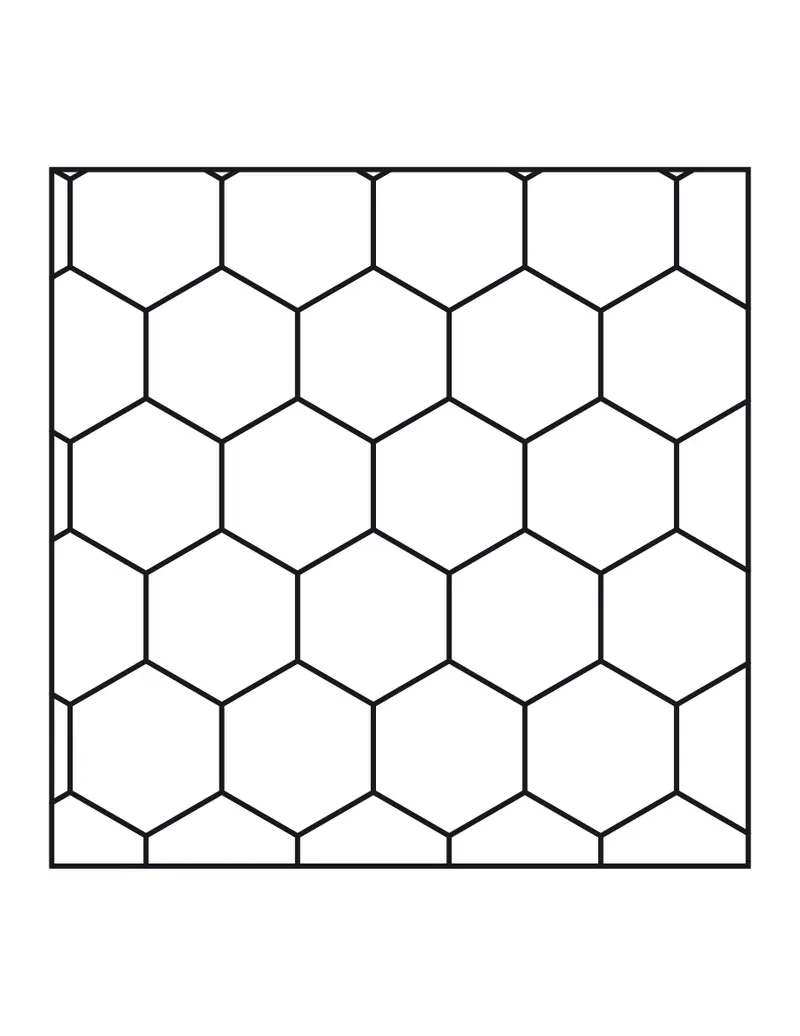
Free PDFs end with a small “Made with nouplo.com” line Remove limits with Pro
Save to PinterestYour files stay on your device
This tool runs entirely in your browser. Nothing is uploaded, nothing is stored, and you can even turn off your internet connection before you start.
Example
Worked example — Printable coloring pages
Choose the pictures — a mix, animals, flowers, patterns, mandalas or Christmas — and easy or detailed. Use the following inputs and settings. Keep the other settings at the page defaults.
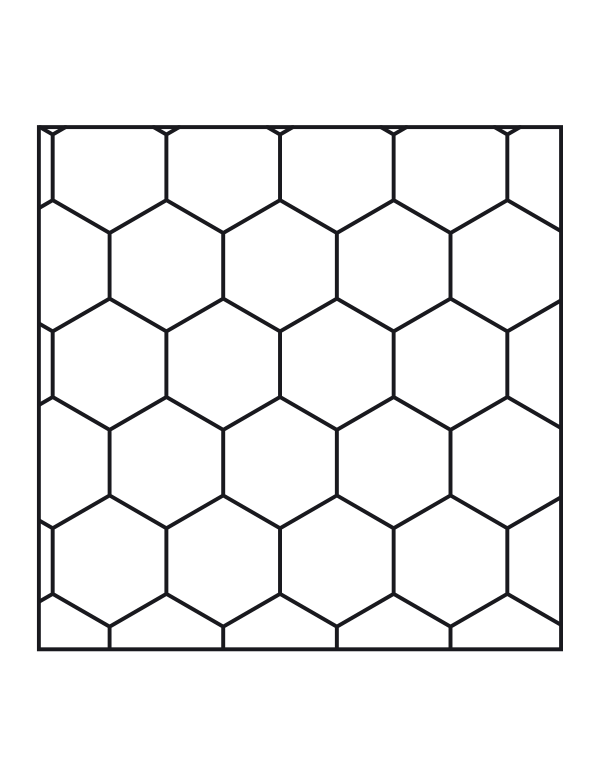
| Item | Value |
|---|---|
| Pictures | A mix — animals, flowers, patterns, mandalas |
| Detail | Easy — big spaces, for children |
| Pages | 2 |
| Picture set (change it for new pictures) | 1 |
| Output files | 1 |
| PDF pages | 2 |
| Paper | 216 × 279 mm |
Expected result — PDF · PDF pages: 2 · 216 × 279 mm. The preview shows the first PDF page.
How it works
- Choose the pictures — a mix, animals, flowers, patterns, mandalas or Christmas — and easy or detailed.
- Pick how many pages; change the picture set number for new pictures.
- Download the PDF and print — one big picture on each page, thick lines for crayons and pens.
Frequently asked questions
- Are the coloring pages really free?
- Yes — print the PDF as many times as you like for home, school or a party. The free plan makes 5 PDFs a day, each with a small “Made with nouplo.com” line at the foot of the last page; Pro removes both. The pictures are drawn by the page, so every set number gives new ones.
- Easy or detailed — which should I choose?
- Easy has big spaces and thick lines for young children; detailed has fine spaces and a patterned background for older kids and adults who like to relax with fine pens.
- Can I colour them on screen instead?
- Yes — the online colouring page lets you fill the same kinds of pictures with a tap and save them as an image.
- Can I make a coloring page from a photo?
- Yes — use the photo to coloring page tool to turn your own picture into outlines.
- Is anything uploaded?
- No. The pictures are drawn in your browser and the PDF is made there too.
Made for a specific use
Related tools
✐ Image tools Online colouring Tap to fill, paint with a brush — mandalas, animals, patterns or your own photo. ❀ Mandala coloring pages A new mandala for every sheet number. ✎ Image tools Coloring page from a photo A photograph reduced to its outlines, ready to print and colour. ⁛ Dot to dot printables Join the numbers, find the picture.