Graphic organizer maker
Pick an organizer; print it blank or with your text in the boxes.
Examples temporarily replace the input and settings. You can restore your previous work.
One box per line, in order. Start a line with a heading and a colon to rename the box, and separate the items with semicolons: “Methods: No checklist; Rushed training”. On a fishbone diagram each line is a bone, and a name alone is a category to fill in. For a T-chart, a topic like “Cats | Dogs” names the two columns; for a story map, “Title | Author”. Leave the box empty for a blank organizer.
Pro keeps the settings you use every week and puts them one click away. See Pro
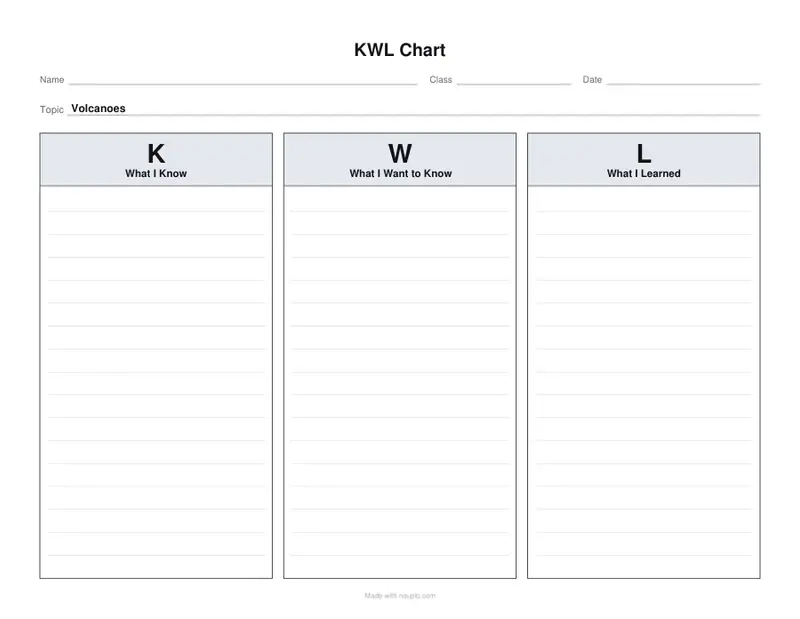
Free PDFs end with a small “Made with nouplo.com” line Remove limits with Pro
Save to PinterestYour files stay on your device
This tool runs entirely in your browser. Nothing is uploaded, nothing is stored, and you can even turn off your internet connection before you start.
Example
Example: a frogs and toads T-chart, two to a sheet, for first-grade science
Organizer T-chart, Topic “Frogs | Toads”, one line typed for the boxes: “Smooth, wet skin; Long back legs for jumping; Lay eggs in clusters”. Writing lines and name lines on, Copies Two, US Letter.
- The bar in the topic names the two columns: Frogs on the left, Toads on the right.
- The typed line fills the first box, its three items split at the semicolons; with no second line, the Toads column stays empty, with lines for the children to write on.
- A T-chart is portrait, so two copies go side by side on a landscape sheet at 80 % size, with a dashed line between them to cut along.
t-chart.pdf: one sheet that makes two charts, each with name, class and date lines, the frog facts given as a model and the toad side for the class to find out. 13 sheets cover a class of 26.
How it works
- Pick an organizer: KWL chart, T-chart, fishbone, 5W1H, Frayer model, story map, sequence, cause and effect or main idea.
- Type a topic, and the text for the boxes if you want them filled, one box per line.
- Download the PDF and print it, one organizer to a page or two half-size copies.
Frequently asked questions
- Which graphic organizers are included?
- Nine: a KWL chart, a T-chart, a fishbone (cause and effect) diagram, a 5W1H chart, a Frayer model, a story map, a sequence chart, a cause and effect chart and a main idea and details chart. Each can have name, class and date lines at the top.
- Can I print them blank, or filled in?
- Both. Leave the text box empty for a blank organizer with writing lines in the boxes. To fill it, type one box per line, in order; a heading and a colon first renames the box, and semicolons separate the items.
- Can I print two on one page?
- Yes: choose two copies per page for two half-size organizers on one sheet, with a dashed line to cut along. It saves paper for exit tickets and quick reading checks.
- How do I name the two columns of a T-chart?
- Type them in Topic with a bar between: “Frogs | Toads”, “Pros | Cons” or “Fact | Opinion”. For a story map the same bar gives the title and the author.
- Which organizers print landscape?
- The fishbone, KWL chart, Frayer model, story map, sequence chart and cause and effect chart; the T-chart, 5W1H and main idea charts print portrait. With two copies a page the sheet turns the other way, and a fishbone always prints once to a page.
- Is anything uploaded?
- No. The organizer is made in your browser, and nothing you type leaves your device. On the free plan a small line with our name is printed at the foot of the last page.