Wedding program maker
Your order of service as a booklet to fold and staple.
Examples temporarily replace the input and settings. You can restore your previous work.
Pro keeps the settings you use every week and puts them one click away. See Pro
Your files stay on your device
This tool runs entirely in your browser. Nothing is uploaded, nothing is stored, and you can even turn off your internet connection before you start.
Example
A US Letter wedding program: the wedding party, the ceremony and a reading in 8 pages
Emma Walker and Daniel Brooks marry on Saturday, June 12, 2027 at 3 PM at St. Mark’s Church, Springfield. They start from the example order of service, add a page for the wedding party and print the reading in full. Paper: US Letter → half-letter booklet; pages: as many as needed.
- Names “Emma Walker & Daniel Brooks”; the date typed as 2027-06-12 15:00 is printed on the cover as “Saturday, June 12, 2027 · 3:00 PM”; the place goes on two lines, St. Mark’s Church and Springfield.
- At the top of the order of service: “# The Wedding Party”, one line per role (Officiant — Rev. James Carter, Maid of Honor, Best Man…), then a line “---” so the ceremony starts on a new page.
- Under “# Reading” the passage is typed as one line, so it runs on as a paragraph; the reader’s name follows on a line of its own.
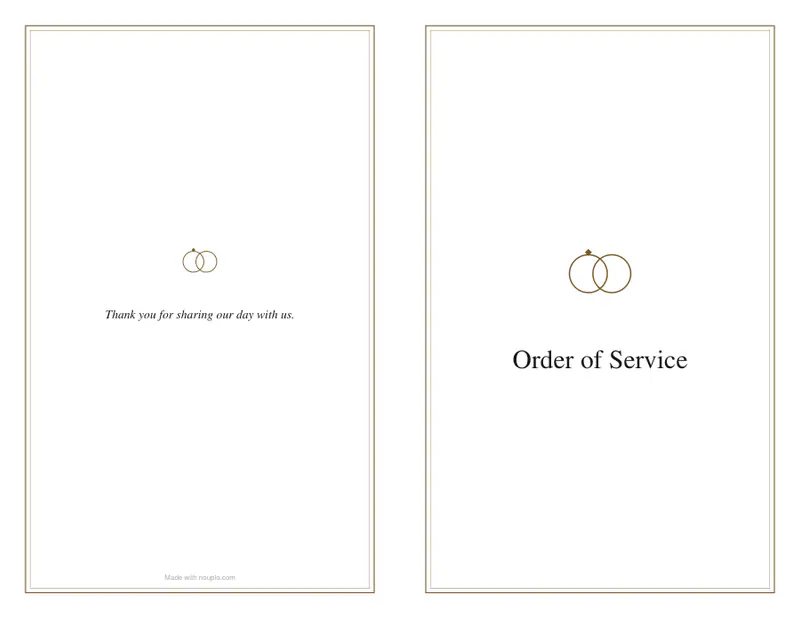
- The booklet comes to 8 pages: the cover, the wedding party on page 2, the ceremony on pages 3 and 4, pages 5 and 6 left blank, a Notes page 7 and the thank-you on the back cover.
| Pages in the program | Letter sheets per program | For 100 guests |
|---|---|---|
| 4 | 1 | 100 |
| 8 | 2 | 200 |
| 12 | 3 | 300 |
| 16 | 4 | 400 |
wedding-program.pdf: 4 landscape Letter pages, the two sides of two sheets. Print both sides flipping on the short edge, nest the sheets, fold and staple. Without the wedding-party page the example order of service fits on 4 pages, one sheet; on A4 for a UK order of service, this one also takes 8 A5 pages.
How it works
- Type the names, the date and the place, and choose a design.
- Write the order of service: a line starting with “# ” is a part of the ceremony (Processional, Reading, Vows…), the lines under it are printed as they are — hymn words, readers, music. An example is filled in to start from.
- Download the PDF, print it on both sides flipping on the short edge, fold the sheets in half and staple along the fold.
Frequently asked questions
- How do I print the booklet?
- Print double-sided and choose “flip on short edge”. Stack the sheets in order, fold them in half, and staple on the fold: the pages come out in the right order.
- How many pages will it have?
- A folded booklet always has a multiple of four pages. With “as many as needed”, the cover, your programme and the back cover are fitted into the fewest; spare pages become a notes page.
- Can I print hymn lyrics?
- Yes — type them under the hymn’s heading, one line each. Print only words you are allowed to: old hymns are usually in the public domain; for modern songs, churches often hold a licence.
- Does it work for a funeral or a christening?
- Yes: choose the ceremony, and the example programme, the symbol and the design change to suit it.
- How many sheets of paper do I need?
- One sheet for every four pages, printed on both sides: an 8-page program is 2 sheets of Letter or A4. Multiply by the number of guests — 100 programs of 8 pages need 200 sheets.
- How do I put the wedding party on a page of its own?
- Write it first, under a heading such as “# The Wedding Party”, one line per person, and put “---” on the line after it: the order of service then starts on a new page. Two “---” in a row leave a page empty.
- Is there a footer on it?
- Only on the free plan: a small line “Made with nouplo.com” at the foot of the back cover. With Pro there is none. Either way the booklet is made in your browser.