Thanksgiving place cards
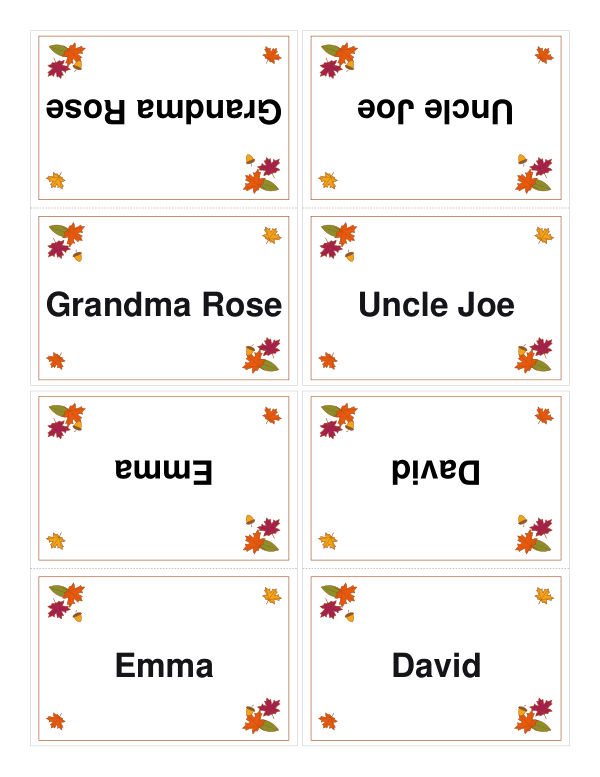
Autumn leaves in the corners and a name on both sides.
Examples temporarily replace the input and settings. You can restore your previous work.
Pro keeps the settings you use every week and puts them one click away. See Pro
Preview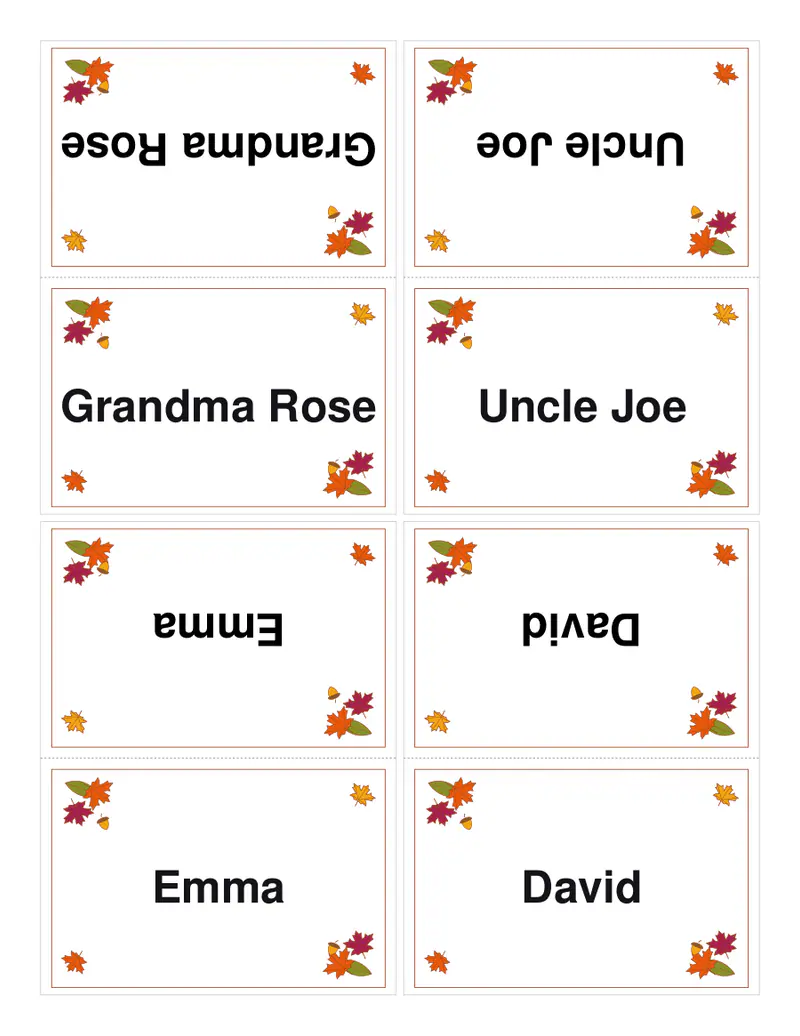
Your files stay on your device
This tool runs entirely in your browser. Nothing is uploaded, nothing is stored, and you can even turn off your internet connection before you start.
Example
Worked example — Thanksgiving place cards
Use the following inputs and settings. Keep other settings at the page defaults.
| Item | Value |
|---|---|
| Decoration | Thanksgiving — autumn leaves and acorns |
| Output files | 1 |
| PDF pages | 1 |
| 216 × 279 mm |
Expected result — PDF · PDF pages: 1. The image shows the first PDF page.
How it works
- Type the guests' names, one per line.
- Choose two, four or six cards a sheet.
- Download, print on card, cut and fold each one into a tent.
Frequently asked questions
- Why is one side upside down?
- So the name reads the right way up from both sides of the table once the card is folded.
- Can I add a line under the name?
- Yes: after the name, a tab and a table number, a seat or the dish each guest is bringing.
- What paper should I use?
- Card of about 200 gsm (around 80 lb cover), so the tents stand up beside the plates.
- Is there a watermark?
- No. They stand in front of your guests, so nothing of ours is printed on them, and the names never leave your browser.