Thankful tree
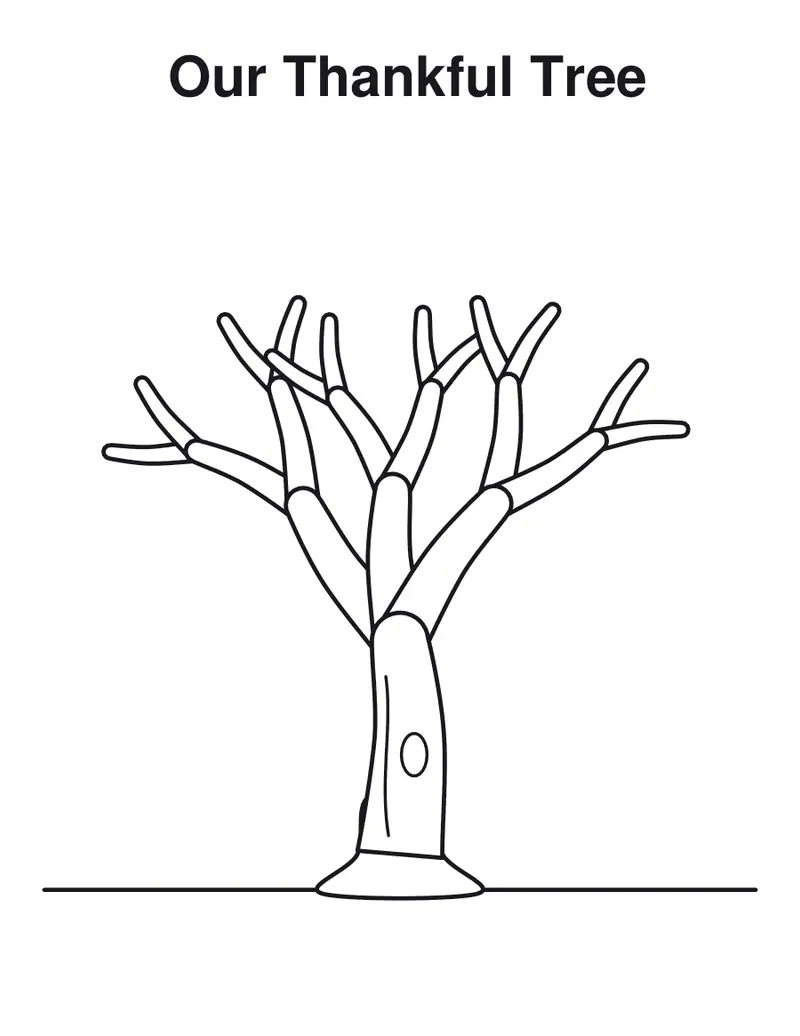
A tree to color, and a leaf for everyone to write on.
Examples temporarily replace the input and settings. You can restore your previous work.
Pro keeps the settings you use every week and puts them one click away. See Pro
Your files stay on your device
This tool runs entirely in your browser. Nothing is uploaded, nothing is stored, and you can even turn off your internet connection before you start.
Example
Worked example — Thankful tree
Use the following inputs and settings. Keep other settings at the page defaults.
| Item | Value |
|---|---|
| Pages of leaves | 1 |
| Leaves per page | 6 |
| Include the tree | On |
| Output files | 1 |
| PDF pages | 2 |
| 216 × 279 mm |
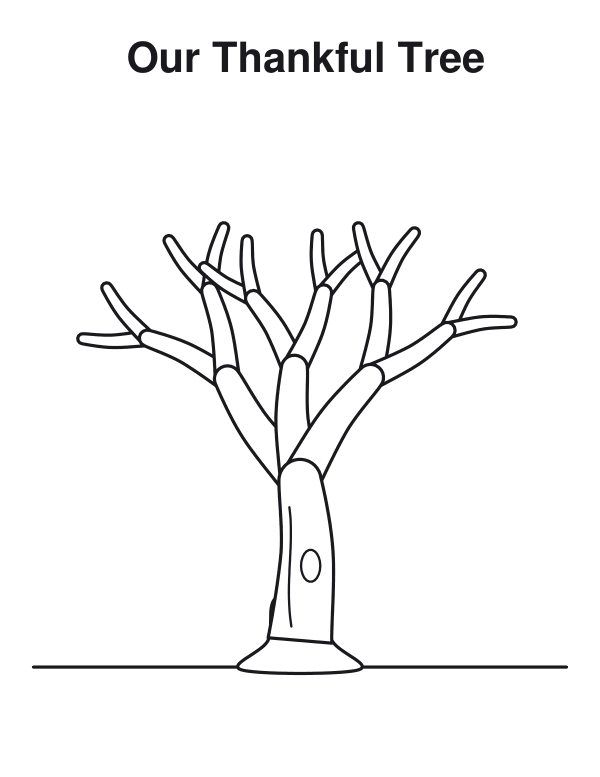
Expected result — PDF · PDF pages: 2. The image shows the first PDF page.
How it works
- Choose how many pages of leaves, how many a page, and outlines or autumn colors.
- Download the PDF, print the tree and color it.
- Cut out the leaves, write what you are thankful for and stick them on the branches.
Frequently asked questions
- What leaves are there?
- Maple, oak and plain leaves in turn, each with "I am thankful for" and lines; four large ones a page for little hands, nine small ones for a big group.
- How do I use it in a classroom?
- Pin the tree on the wall in November and let each pupil add a leaf a day; by Thanksgiving the branches are full.
- Can I change the words?
- Yes: type your own title over the tree and your own words on the leaves, "We are grateful for", for example.
- Can I print only leaves?
- Yes: turn off the tree and print more pages of leaves for a tree you already have.
- Is anything uploaded?
- No. The sheet is made in your browser. On the free plan a small line with our name is printed at the foot of the last page.
Related tools
✐ Thanksgiving coloring pages A turkey, a pie and a horn of plenty to color before dinner. ⌃ Thanksgiving place cards Autumn leaves in the corners and a name on both sides. ✶ Shape templates Stars, hearts and more to trace, cut and craft. ❧ Thanksgiving menu The courses of the feast, framed in autumn leaves.