Thanksgiving menu
The courses of the feast, framed in autumn leaves.
Examples temporarily replace the input and settings. You can restore your previous work.
Pro keeps the settings you use every week and puts them one click away. See Pro
Preview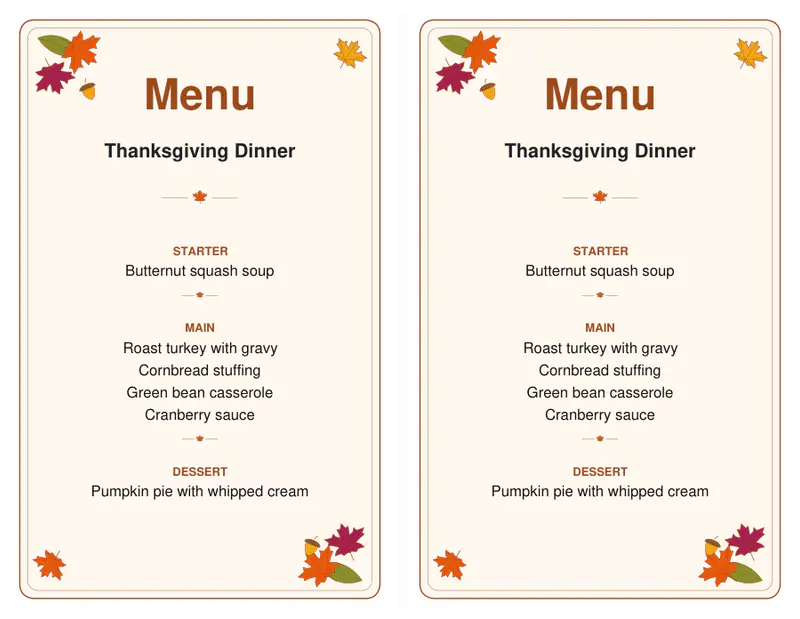
Your files stay on your device
This tool runs entirely in your browser. Nothing is uploaded, nothing is stored, and you can even turn off your internet connection before you start.
Example
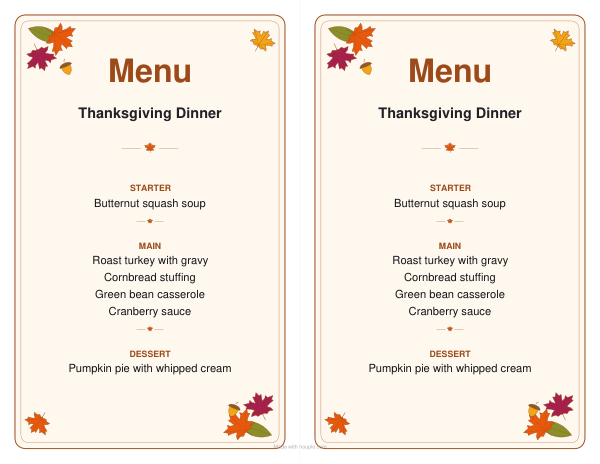
Worked example — Thanksgiving menu
Use the following inputs and settings. Keep other settings at the page defaults.
| Item | Value |
|---|---|
| Design | Thanksgiving — autumn leaves |
| Output files | 1 |
| PDF pages | 1 |
| 279 × 216 mm |
Expected result — PDF · PDF pages: 1. The image shows the first PDF page.
How it works
- Change the dishes to yours: one per line, an empty line between courses.
- Add the date and choose how many cards a sheet.
- Download, print on card and set one at every place or on the buffet.
Frequently asked questions
- How do I name a course?
- End its line with a colon, "Dessert:", and it is printed as the course's name above its dishes.
- Can I use it for Friendsgiving?
- Yes: change "Thanksgiving Dinner" under the heading to "Friendsgiving" or your family's name.
- Can I print it in black and white?
- Yes: choose outlines, and the leaves are printed as lines the kids can color in.
- Is anything uploaded?
- No. The menu is made in your browser, nothing you type leaves your computer, and nothing of ours is printed on it.