Long division worksheets
Divide, multiply, subtract, bring down — with the steps in the answers.
Examples temporarily replace the input and settings. You can restore your previous work.
Pro keeps the settings you use every week and puts them one click away. See Pro
Preview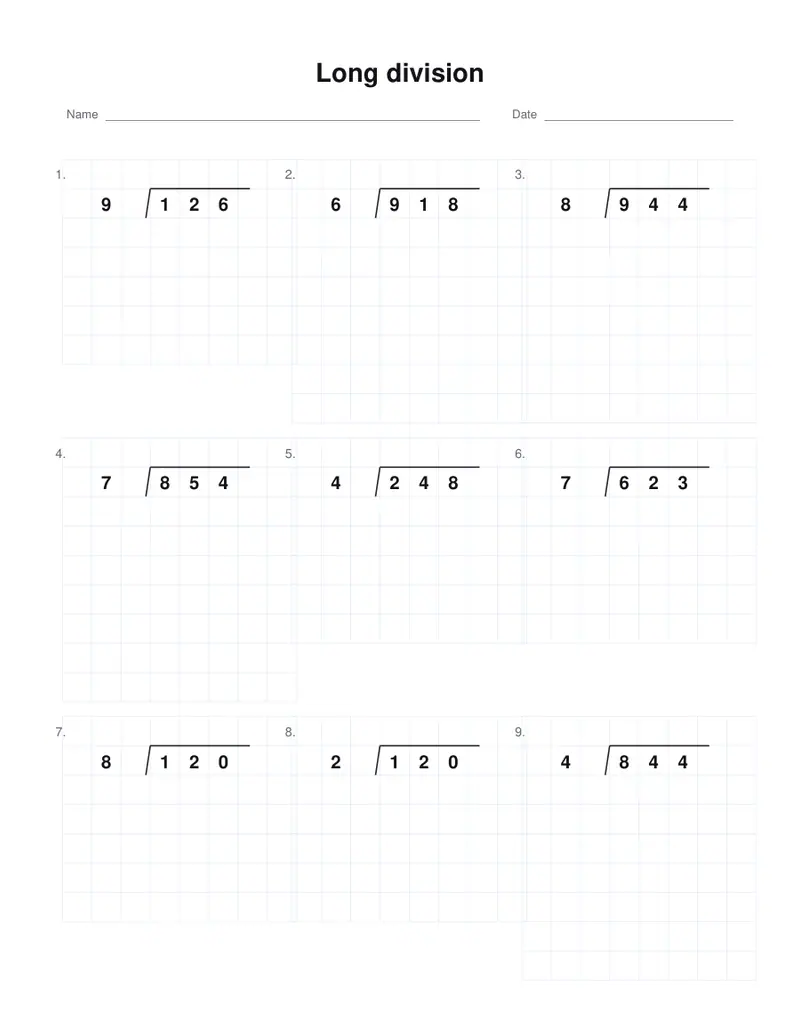
Free PDFs end with a small “Made with nouplo.com” line Remove limits with Pro
Save to PinterestYour files stay on your device
This tool runs entirely in your browser. Nothing is uploaded, nothing is stored, and you can even turn off your internet connection before you start.
Example
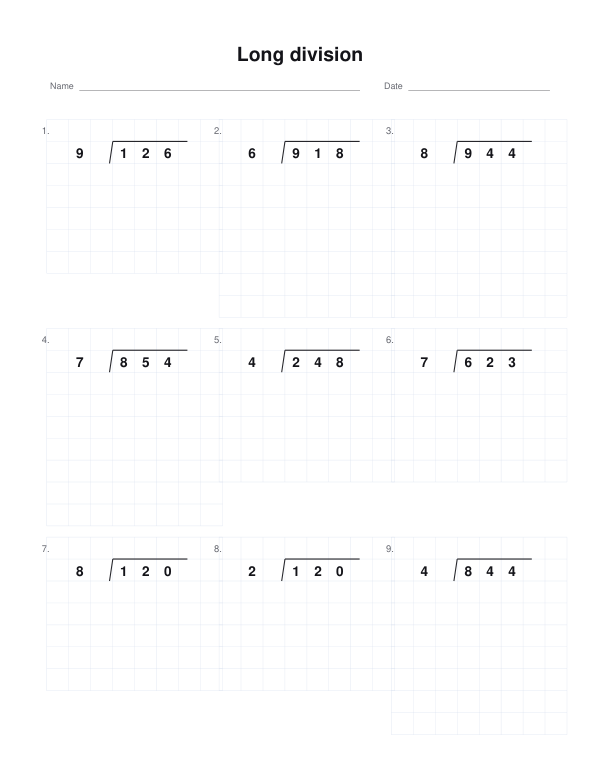
Worked example — Long division worksheets
Use the following inputs and settings. Keep other settings at the page defaults.
| Item | Value |
|---|---|
| operation | div |
| Sums on the page | 9 |
| Sheet number (change it for new sums) | 1 |
| Output files | 1 |
| PDF pages | 2 |
| 216 × 279 mm |
Expected result — PDF · PDF pages: 2. The image shows the first PDF page.
How it works
- Choose how many digits the number being divided has, and one or two digits for the divisor.
- Tick remainders for divisions that leave one — every division on the sheet then has a remainder.
- Keep the layout as taught here, or pick another country’s.
- Download the PDF; the answer page shows every step of the working.
Frequently asked questions
- What does the answer page show?
- The quotient over the bracket and, under the number, each product taken away, the difference and the next digit brought down — the working a teacher looks for.
- How are remainders written?
- After the quotient with an R, as in 47 R 3, and as the last difference at the foot of the working. With the box ticked every division leaves a remainder; unticked, every one comes out exactly.
- Can I set it out another way?
- Yes. Under “How the division is set out” pick the layout used in France, Spain, Italy and Brazil (divisor to the right, quotient under it) or Germany’s one-line 725 : 5 =. The working is the same in each.
- Is anything uploaded?
- No. The sheet is made in your browser. On the free plan a small line with our name is printed at the foot of the last page.
Made for a specific use
Related tools
÷ Column addition worksheets Sums set out in columns, a digit to a square, with room for the carries. ÷ Long multiplication worksheets Multi-digit multiplication, the working shown in the answers. + Math worksheet generator A fresh page of sums whenever you need one, with the answers on a page of their own. △ Number pyramid worksheets Add up the wall, or work back down it.