Address label maker
A list of addresses in, a sheet of address labels out.
Examples temporarily replace the input and settings. You can restore your previous work.
Pro keeps the settings you use every week and puts them one click away. See Pro
Preview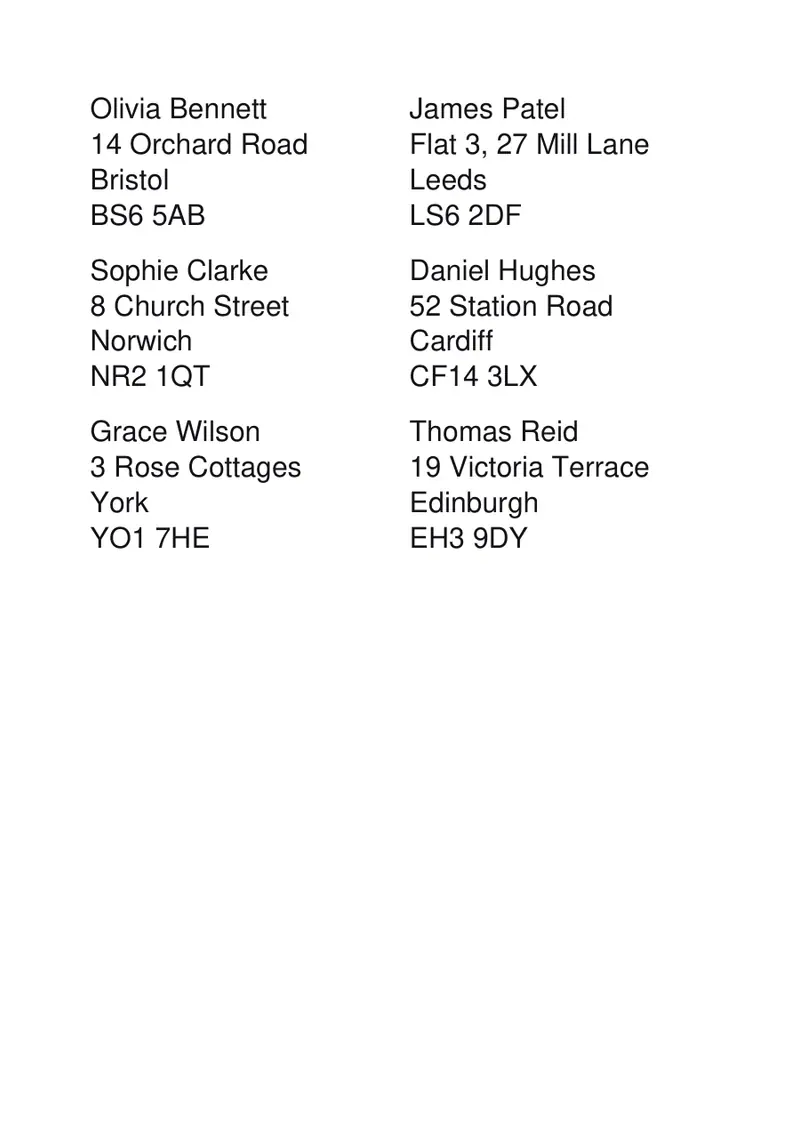
Your files stay on your device
This tool runs entirely in your browser. Nothing is uploaded, nothing is stored, and you can even turn off your internet connection before you start.
Example
Worked example — Address label maker
Use the following inputs and settings. Keep other settings at the page defaults.
| Item | Value |
|---|---|
| Sheet layout | A4 · 12 per sheet (83.8 × 42.3 mm) |
| Text position | Left |
| Emphasis | All lines the same |
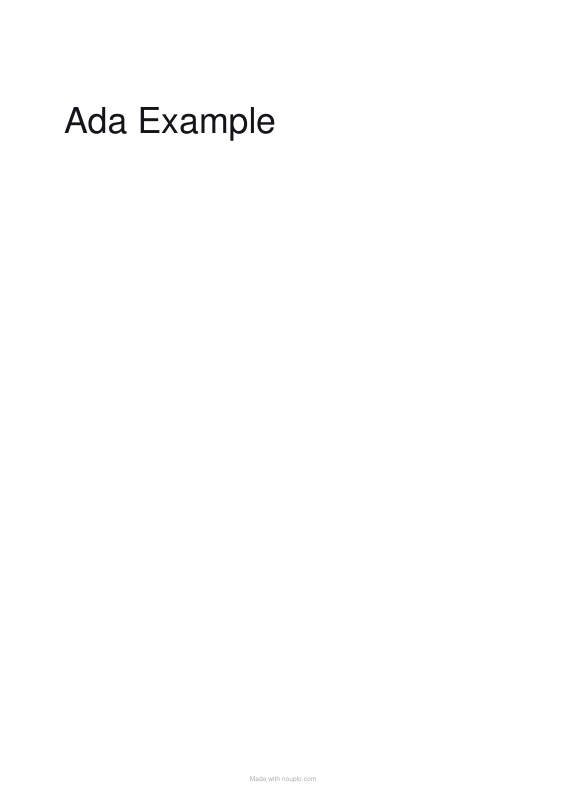
| What the labels say — one per line, or a blank line between labels of several lines | Ada Example |
| Output files | 1 |
| PDF pages | 1 |
| 210 × 297 mm |
Expected result — PDF · PDF pages: 1. The image shows the first PDF page.
How it works
- Paste your addresses with a blank line between one address and the next.
- Choose the sheet you have: 12 to an A4 sheet is the usual address size, 30 to a letter sheet in the US.
- Leave the text on the left, which is how an address reads.
- Print the outlines on plain paper to check, then print on the labels at 100 %.
Frequently asked questions
- How do I separate one address from the next?
- Leave a blank line between them. Every line of an address stays on its own line, so a three-line address prints as three lines on one label.
- Can I print a return address on a whole sheet?
- Yes — type it once and set “copies of each label” to the number of labels on the sheet.
- Do the addresses leave my computer?
- No. The PDF is made in your browser and nothing is sent anywhere, which matters when the list is a customer list.
- Will it match the sheets I bought?
- The layouts here are the common ones — 8, 10, 12, 21, 24, 44 and 65 to an A4 sheet, 10 and 30 to a letter sheet — and each block is centred on the paper the way those sheets are made. Packs vary, so check the measurements on yours, and use “measure my own sheet” if they differ.
- The print is a few millimetres off my labels. Can I fix it?
- Yes — use the two nudge boxes. Print the outlines on plain paper first, hold it against a label sheet up to the light, and nudge by the difference you see. Also check that the printer is set to 100 % and not “fit to page”, which shrinks everything by a few per cent.
Made for a specific use
Related tools
☰ Label sheet printing Your text laid out at true size on the label sheet in your drawer. ✉ Text tools Address Japanese postcards Type the address in Japanese; it comes out vertical, in the right places, as a Japanese reader expects. ▧ Printable graph paper Grids drawn as exact vector lines, so they print sharp and true to size. 名 Business card maker A sheet of ten cards, drawn as sharp text and rules, ready to print and cut.