Tangram printable
Seven pieces, hundreds of shapes.
Examples temporarily replace the input and settings. You can restore your previous work.
Pro keeps the settings you use every week and puts them one click away. See Pro
Preview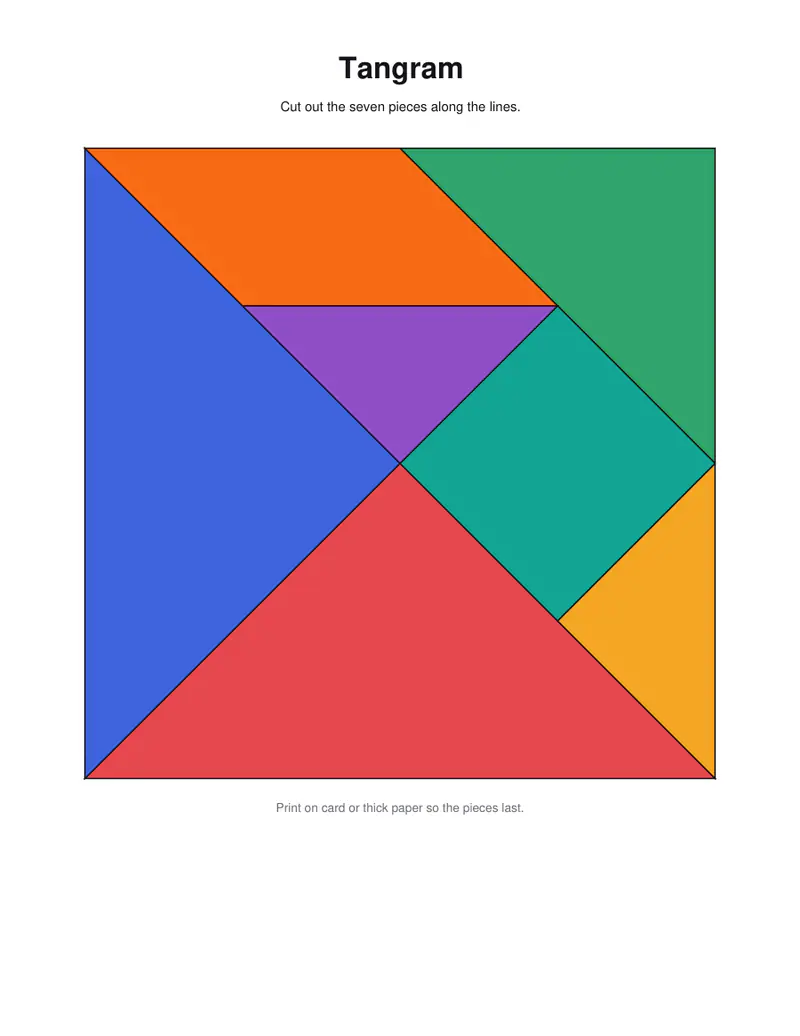
Free PDFs end with a small “Made with nouplo.com” line Remove limits with Pro
Save to PinterestYour files stay on your device
This tool runs entirely in your browser. Nothing is uploaded, nothing is stored, and you can even turn off your internet connection before you start.
Example
Worked example — Tangram printable
Choose coloured or outline pieces and how many puzzle cards. Use the following inputs and settings. Keep the other settings at the page defaults.
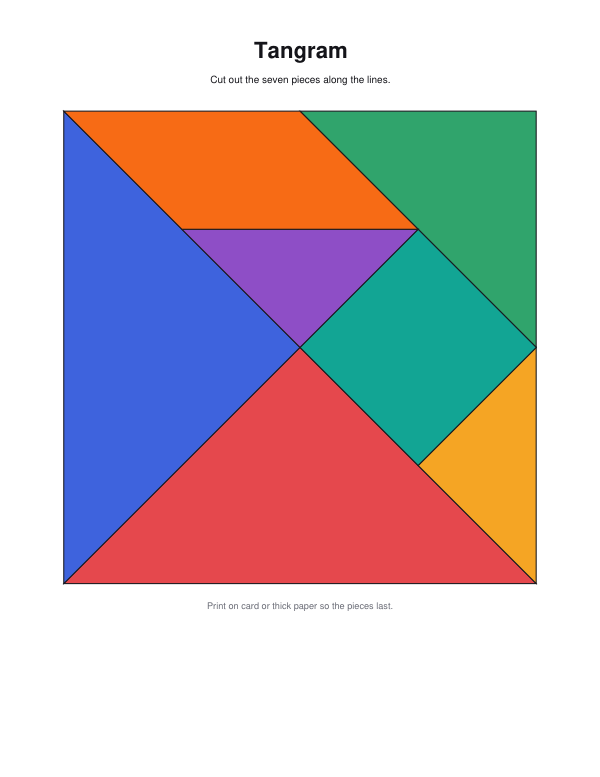
| Item | Value |
|---|---|
| Puzzle cards | 12 |
| Level | Easy — some lines shown |
| Add the solutions | On |
| Puzzle set (change it for other shapes) | 1 |
| Output files | 1 |
| PDF pages | 4 |
| Paper | 216 × 279 mm |
Expected result — PDF · PDF pages: 4 · 216 × 279 mm. The preview shows the first PDF page.
How it works
- Choose coloured or outline pieces and how many puzzle cards.
- Print the pieces on card and cut them out.
- Build each shape on the cards with all seven pieces; the solutions follow.
Frequently asked questions
- What are the rules?
- Use all seven pieces — two large triangles, a medium one, two small ones, a square and a parallelogram — touching but not overlapping, to make the shape on the card.
- Easy or hard?
- Easy shows some of the lines inside the shape as a hint; hard shows only the silhouette, the classic puzzle.
- Which age is it for?
- From about five with the easy cards; the hard ones challenge adults too.
- Can I flip the pieces?
- Yes — the parallelogram sometimes has to be turned over.
- Is anything uploaded?
- No. The pages are made in your browser.
Related tools
⬡ 3D shape nets Cut, fold and glue the solids from your maths lesson. ⊠ Calcudoku puzzles Sudoku with sums: every row and column once, every cage its target. ⊞ Text tools Slide puzzle Slide the tiles back into order — numbers or your own picture. ≠ Spot the difference Two pictures, a few differences — can you find them all?