Gift box templates
A small box for a small present — print, cut, fold.
Examples temporarily replace the input and settings. You can restore your previous work.
Pro keeps the settings you use every week and puts them one click away. See Pro
Free PDFs end with a small “Made with nouplo.com” line Remove limits with Pro
Save to PinterestYour files stay on your device
This tool runs entirely in your browser. Nothing is uploaded, nothing is stored, and you can even turn off your internet connection before you start.
Example
Example: Halloween treat pillow boxes for a class party, on US Letter card stock
For the class Halloween party on Friday, October 30, Jamie wants a pillow box of fun-size candy for each of 24 children. Settings: Box Pillow box, Size Medium, Look Patterned, Design number 1, Paper US Letter (this page’s default).
- gift-boxes.pdf is one Letter page with one box. The heading reads “Pillow box · 8 × 3 × 12 cm (3.1 × 1.2 × 4.7 in) · Print at 100 %”: on Letter the size comes in inches too.
- For a pillow box the middle number is how thick it is in the middle: 3 cm, enough for three or four pieces of candy. The curved ends fold in over them.
- Print at 100 % (“Actual size”, not “Fit to page”) on 65 lb cover stock, about 176 g/m². Cut the solid lines, crease the curved ones with an empty ballpoint, glue the tinted strip.
- Design numbers 2, 3, 4 and 5 give four more patterns and colour sets. The free plan makes five PDFs a day, so Jamie prints five copies of each design, 25 boxes.
| Pillow box | Width × thickness × length (cm) | On a Letter sheet (in) |
|---|---|---|
| Small | 6 × 2 × 9 | 2.4 × 0.8 × 3.5 |
| Medium | 8 × 3 × 12 | 3.1 × 1.2 × 4.7 |
| Large | 10 × 3.5 × 15 | 3.9 × 1.4 × 5.9 |
Twenty-five patterned pillow boxes from five one-page PDFs, each 8 × 3 × 12 cm, pressed shut at both ends without glue. All three ready-made sizes of every box fit on US Letter and A4 alike; only the large box with a lid needs a second sheet for its lid.
How it works
- Choose the kind of box and a size — or type your own width, depth and height in centimetres.
- Pick a pattern, plain or outlines to colour; change the design number for another pattern.
- Print at 100 % on card, cut the solid lines, score and fold the dashed ones, and glue the tabs.
Frequently asked questions
- Which box should I choose?
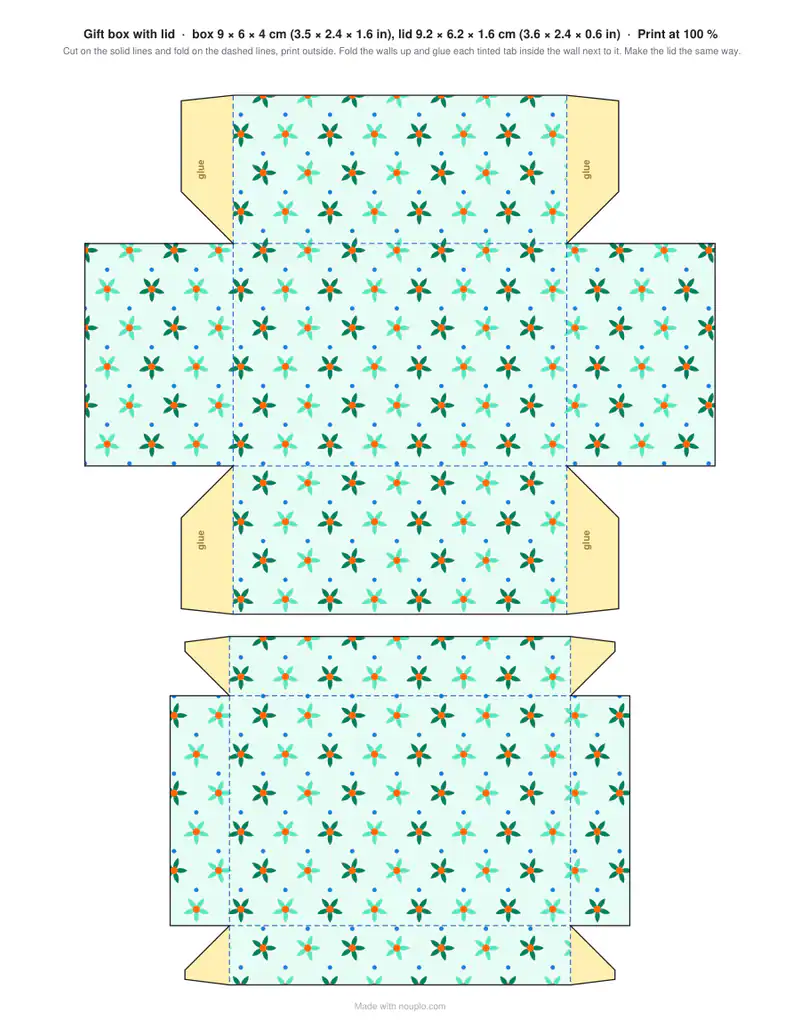
- A box with a lid is the classic for jewellery, sweets or a small gift; the tuck-end box closes without glue at the top; the pillow box is quick and pretty for a gift card; the favour box is a little cube for party guests.
- What paper works best?
- Light card, 160–250 g/m², holds its shape. Score the fold lines with a blunt knife or an empty ballpoint along a ruler before folding — the edges come out crisp.
- How big can the box be?
- Up to what fits on the paper. The box with a lid goes on two sheets, box and lid, when they don’t fit on one. If your own size is still too big, the box is made smaller, all three measurements together, and the sheet says so: 20 × 20 × 8 cm with a lid becomes 10.8 × 10.8 × 4.3 cm on A4.
- Why is the lid a bit bigger?
- So it slides over the base: the lid is a few millimetres wider and longer than the box.
- What does the design number do?
- With Patterned it picks the pattern and colours: change it to 2, 3 and so on for a different look, and the same number always gives the same box again. The lid of a box with a lid follows on from its box.
- Can I print it on US Letter?
- Yes, Letter is the default here, and A4 is in the Paper list. On Letter the size on the sheet is given in centimetres and inches. Print at 100 % or “Actual size”: “Fit to page” shrinks the box.
- Is anything uploaded?
- No. The template is drawn in your browser.