Classroom jobs chart
Everyone has a job.
Examples temporarily replace the input and settings. You can restore your previous work.
Pro keeps the settings you use every week and puts them one click away. See Pro
Preview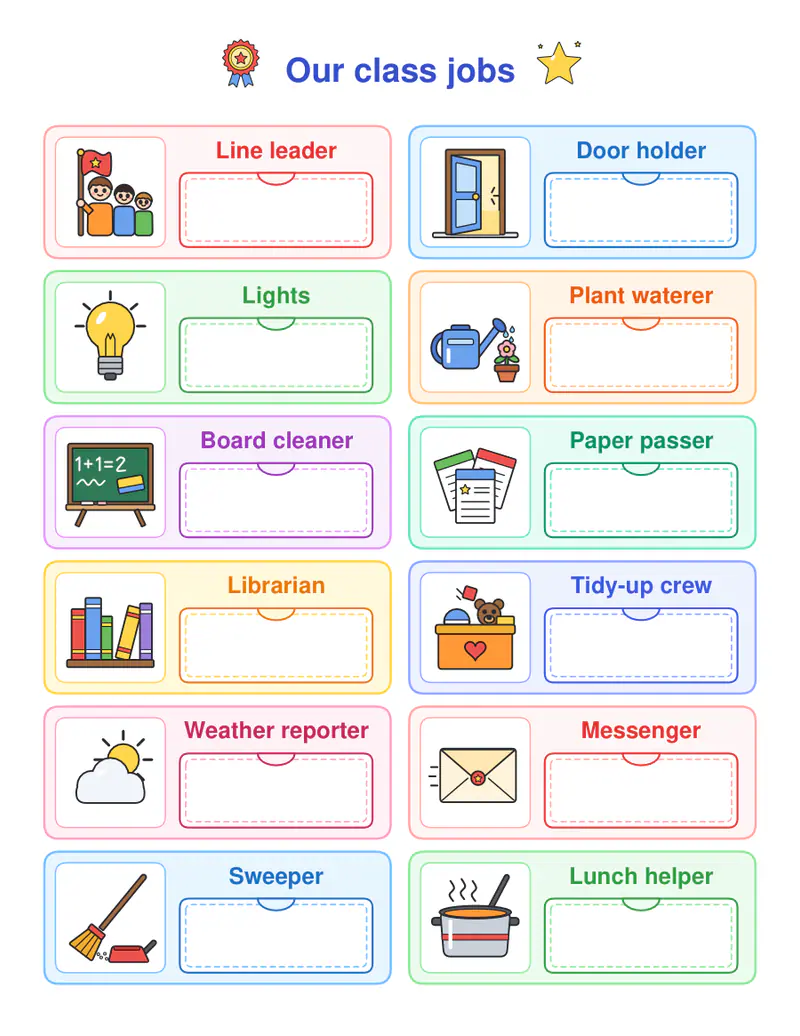
Free PDFs end with a small “Made with nouplo.com” line Remove limits with Pro
Save to PinterestYour files stay on your device
This tool runs entirely in your browser. Nothing is uploaded, nothing is stored, and you can even turn off your internet connection before you start.
Example
Worked example — Classroom jobs chart
Keep the jobs given or type your own, one per line. Use the following inputs and settings. Keep the other settings at the page defaults.
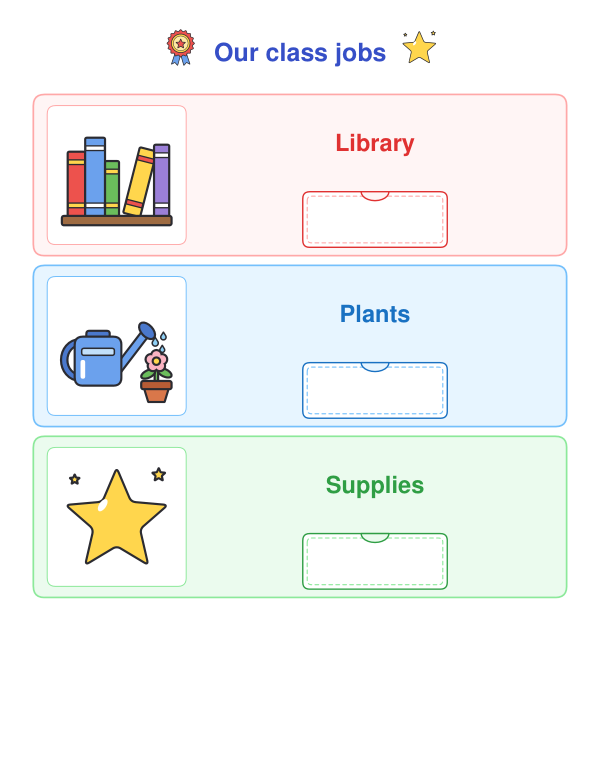
| Item | Value |
|---|---|
| Layout | Chart with name pockets |
| Your own jobs, one per line (or leave empty) 1 | Library |
| Your own jobs, one per line (or leave empty) 2 | Plants |
| Your own jobs, one per line (or leave empty) 3 | Supplies |
| Add a page of name cards | On |
| Output files | 1 |
| PDF pages | 2 |
| Paper | 216 × 279 mm |
Expected result — PDF · PDF pages: 2 · 216 × 279 mm. The preview shows the first PDF page.
How it works
- Keep the jobs given or type your own, one per line.
- Choose the chart or the cards, and add name cards if you like.
- Print, hang it up and change the names every week.
Frequently asked questions
- Why have classroom jobs?
- Jobs give every child responsibility and make the classroom run itself — lights, plants, papers, the line and the board.
- Which jobs are included?
- Line leader, door holder, lights, plants, board, papers, library, tidy-up, weather reporter, messenger, sweeper and lunch helper.
- How do the name cards work?
- Write each child’s name on a card and slip it into the pocket under a job, or pin it with a clothespin.
- How often should jobs change?
- Most classes rotate weekly so every child does every job over the term.
- Is anything uploaded?
- No. The pages are made in your browser.