Circular habit tracker
A ring for every habit, a slice for every day.
Examples temporarily replace the input and settings. You can restore your previous work.
Pro keeps the settings you use every week and puts them one click away. See Pro
Preview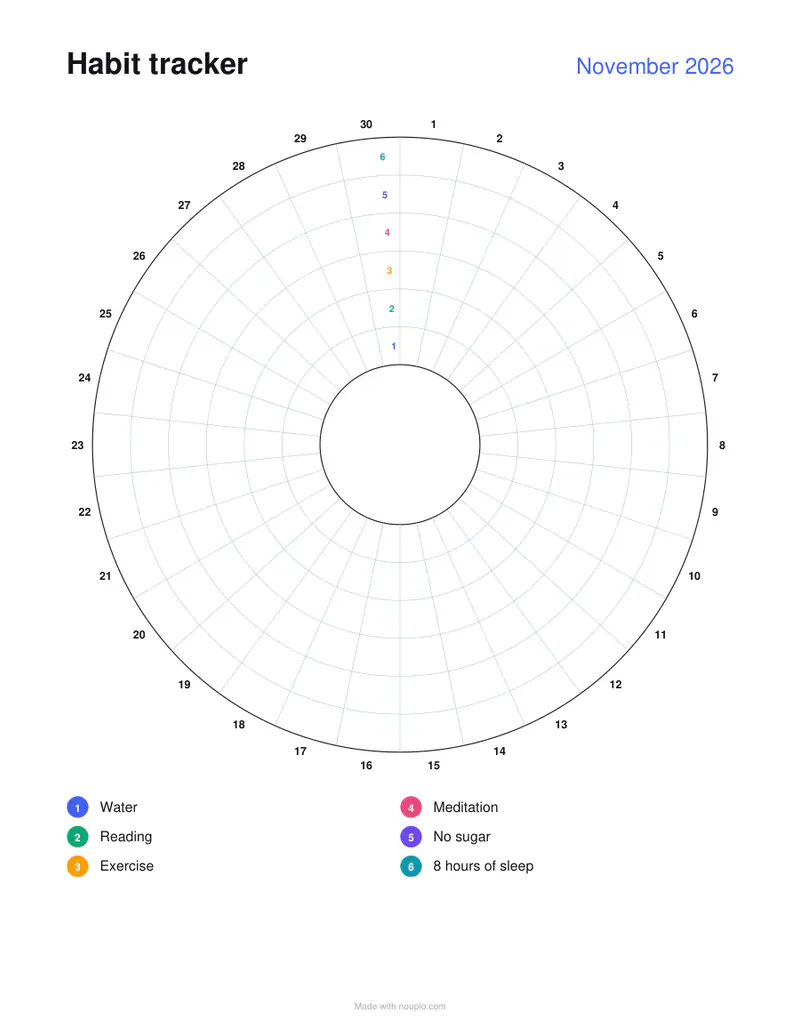
Free PDFs end with a small “Made with nouplo.com” line Remove limits with Pro
Save to PinterestYour files stay on your device
This tool runs entirely in your browser. Nothing is uploaded, nothing is stored, and you can even turn off your internet connection before you start.
Example
Worked example — Circular habit tracker
Use the following inputs and settings. Keep other settings at the page defaults.
| Item | Value |
|---|---|
| kind | circle |
| Output files | 1 |
| PDF pages | 1 |
| 216 × 279 mm |
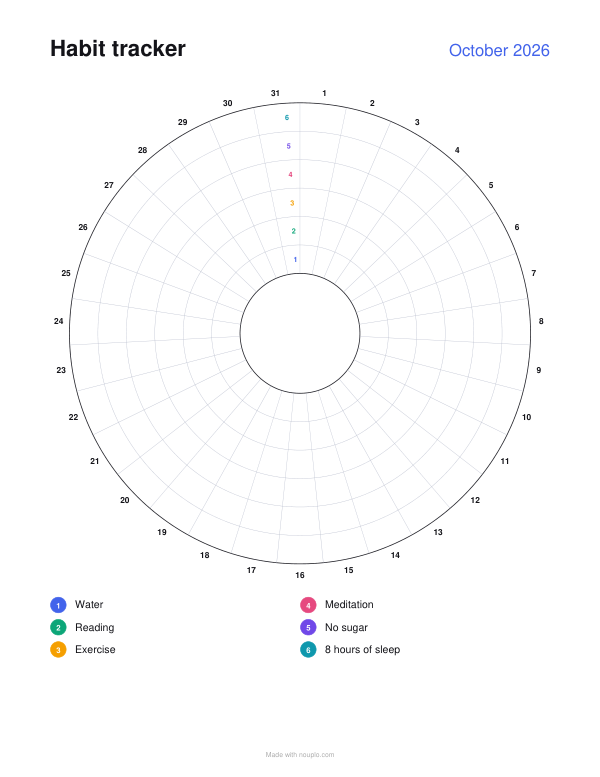
Expected result — PDF · PDF pages: 1. The image shows the first PDF page.
How it works
- Type your habits; each gets a ring, numbered from the middle out.
- Choose the month.
- Download, print and colour a slice for each day you keep a habit.
Frequently asked questions
- Which ring is which habit?
- The rings are numbered from the middle outwards, beside day 1, and the list under the circle gives each number’s habit in the same colour.
- How many habits fit?
- Up to twelve rings; six to eight leave each slice large enough to colour comfortably.
- Is anything uploaded?
- No. The sheet is made in your browser. On the free plan a small line with our name is printed at the foot of the last page.