Counting worksheets
Count the pictures, find the number.
Examples temporarily replace the input and settings. You can restore your previous work.
Pro keeps the settings you use every week and puts them one click away. See Pro
Preview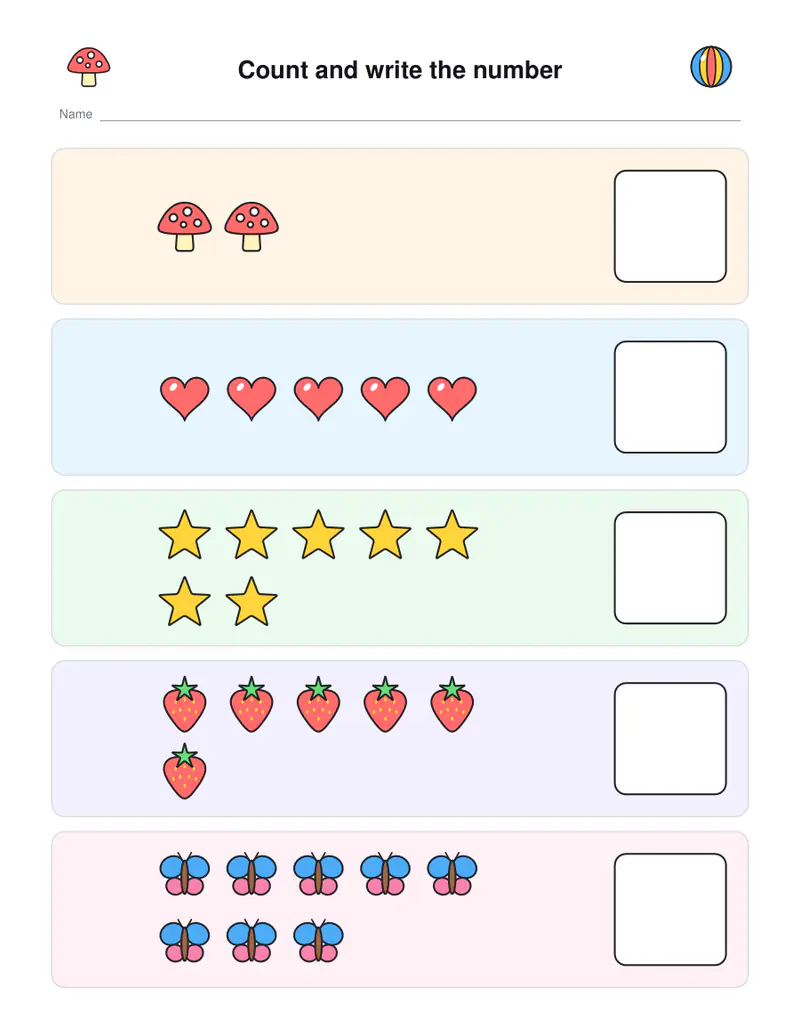
Free PDFs end with a small “Made with nouplo.com” line Remove limits with Pro
Save to PinterestYour files stay on your device
This tool runs entirely in your browser. Nothing is uploaded, nothing is stored, and you can even turn off your internet connection before you start.
Example
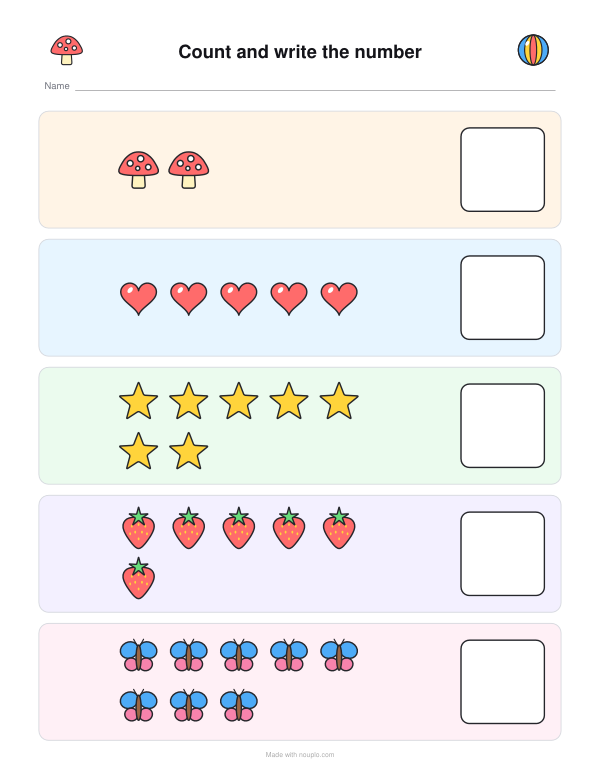
Worked example — Counting worksheets
Choose the kind of worksheet — or a mix — and how far to count: 5, 10 or 20. Use the following inputs and settings. Keep the other settings at the page defaults.
| Item | Value |
|---|---|
| Worksheets | A mix |
| Numbers up to | 10 |
| Pages | 1 |
| Worksheet number (change it for new ones) | 1 |
| Output files | 1 |
| PDF pages | 1 |
| Paper | 216 × 279 mm |
Expected result — PDF · PDF pages: 1 · 216 × 279 mm. The preview shows the first PDF page.
How it works
- Choose the kind of worksheet — or a mix — and how far to count: 5, 10 or 20.
- Pick colour or outlines and how many pages.
- Print; every sheet has new pictures and numbers.
Frequently asked questions
- Which worksheets are there?
- Count the pictures and write the number, count and circle the right number from three, trace the numbers with a picture count, and ten frames.
- Up to which number?
- Five for three-year-olds, ten for preschool, twenty for kindergarten; numbers above ten are arranged in rows of five to count easily.
- What is a ten frame?
- A box of 2 × 5 squares: children see at once how many are filled and how many are missing to ten — a great base for adding later.
- Is there a page for tracing numbers?
- Yes — the number tracing worksheets page starts on tracing 1 to 10 or 20, with the number words.
- Is anything uploaded?
- No. The worksheets are made in your browser.
Made for a specific use
Related tools
+ Math worksheet generator A fresh page of sums whenever you need one, with the answers on a page of their own. ⑩ Hundreds chart The chart for the wall, and the one with gaps for the desk. ✍ Tracing worksheet generator Any words, dotted along the middle of every stroke, on the lines children learn on. ◒ Color by number math Solve the sum, find the colour.