Blank clock face printable
Empty clocks to draw the hands on, or to number yourself.
Examples temporarily replace the input and settings. You can restore your previous work.
Pro keeps the settings you use every week and puts them one click away. See Pro
Preview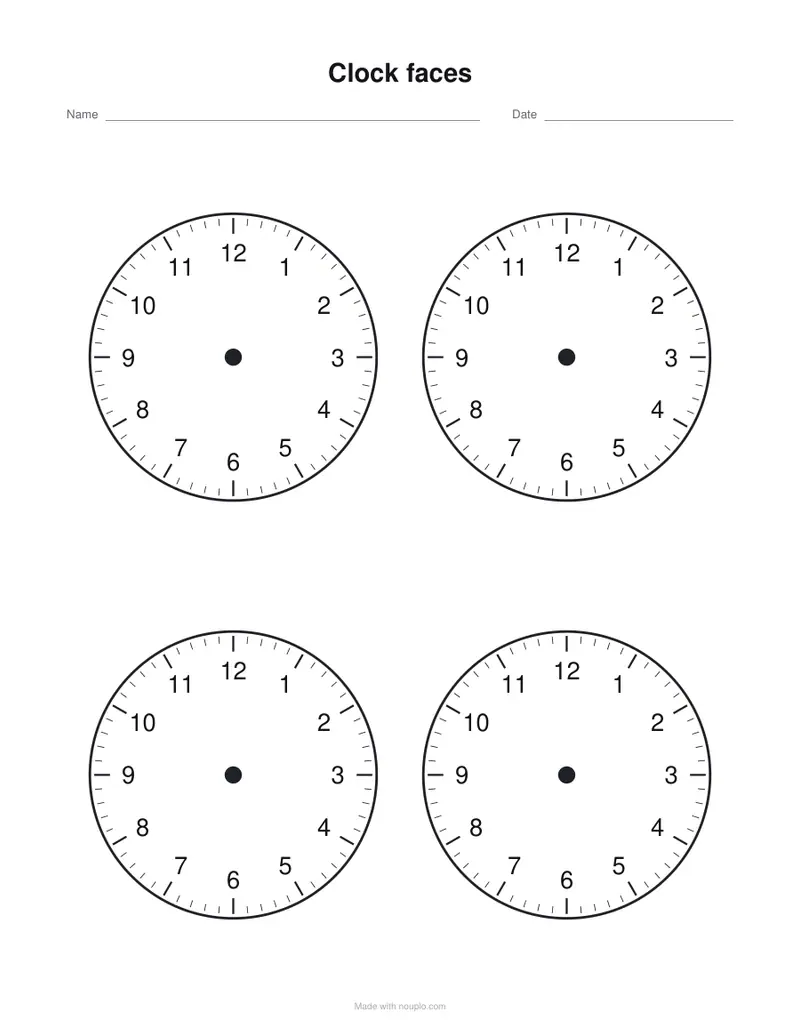
Free PDFs end with a small “Made with nouplo.com” line Remove limits with Pro
Save to PinterestYour files stay on your device
This tool runs entirely in your browser. Nothing is uploaded, nothing is stored, and you can even turn off your internet connection before you start.
Example
Worked example — Blank clock face printable
Use the following inputs and settings. Keep other settings at the page defaults.
| Item | Value |
|---|---|
| mode | blank |
| Clocks per page | 4 |
| Sheet number (change it for new times) | 1 |
| Output files | 1 |
| PDF pages | 1 |
| 216 × 279 mm |
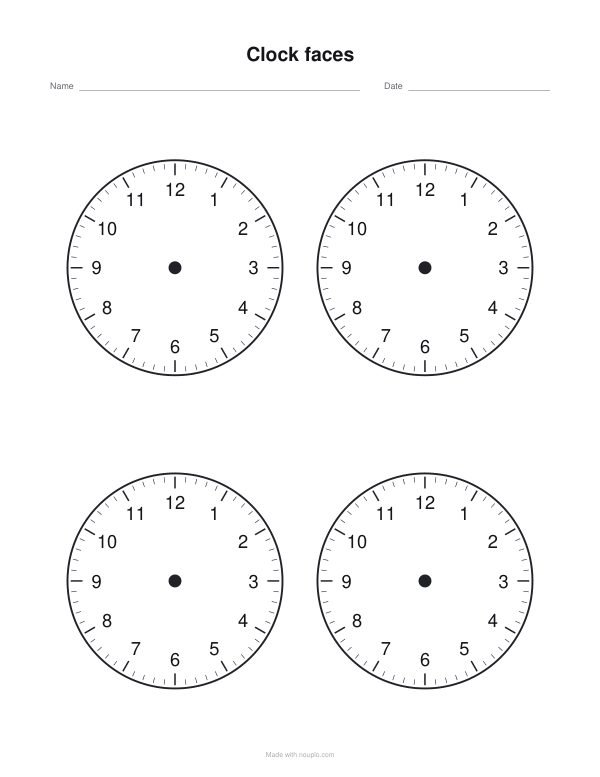
Expected result — PDF · PDF pages: 1. The image shows the first PDF page.
How it works
- Choose how many clocks go on a page.
- Keep the numbers, keep only 12, 3, 6 and 9, or leave the face empty for children to number.
- Add the minutes round the outside for five-minute practice.
- Download and print.
Frequently asked questions
- What is on each face?
- The rim, a tick for every minute with a longer one every five, the numbers you chose and a dot in the middle for the hands to start from.
- Can I make a clock to cut out?
- Print four to a page, the largest size, and cut round the rim; the hands can be cut from card and fixed through the middle dot with a paper fastener.
- Is there a sheet with the times already set?
- Yes — the clock worksheets page sets the hands for the children to read, or writes the times for them to draw, with answers.
- Is anything uploaded?
- No. The sheet is made in your browser. On the free plan a small line with our name is printed at the foot of the last page.
Related tools
◕ Clock worksheets Clocks to read and hands to draw, at the level your class is at. ▧ Printable graph paper Grids drawn as exact vector lines, so they print sharp and true to size. + Math worksheet generator A fresh page of sums whenever you need one, with the answers on a page of their own. ⑩ Hundreds chart The chart for the wall, and the one with gaps for the desk.