Secret Santa questionnaire
Everyone fills one in — nobody gets socks they hate.
Examples temporarily replace the input and settings. You can restore your previous work.
Pro keeps the settings you use every week and puts them one click away. See Pro
Your files stay on your device
This tool runs entirely in your browser. Nothing is uploaded, nothing is stored, and you can even turn off your internet connection before you start.
Example
Worked example — Secret Santa questionnaire
Use the following inputs and settings. Keep other settings at the page defaults.
| Item | Value |
|---|---|
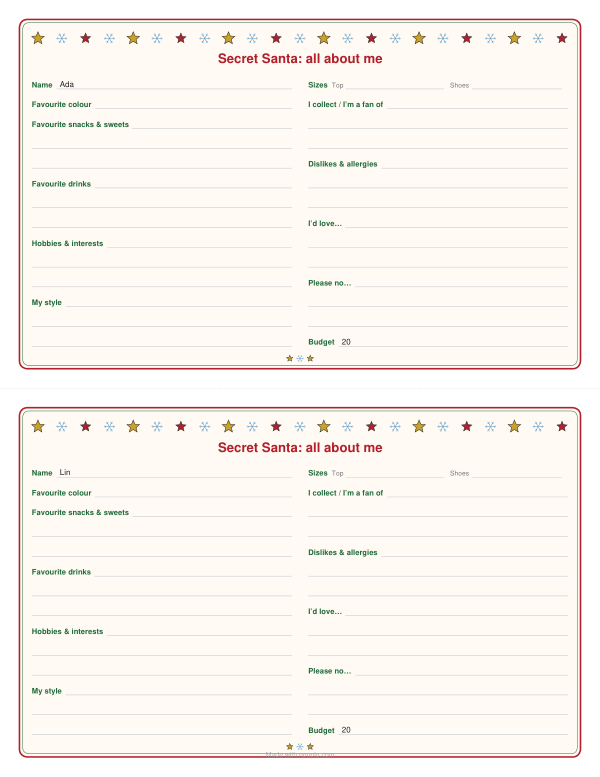
| Names, one per line — a sheet for each with the name filled in (leave empty for blank sheets) | Ada / Lin |
| Budget (optional, e.g. $25) | 20 |
| Sheets per page | 2 — cut the page in half |
| Output files | 1 |
| PDF pages | 1 |
| 216 × 279 mm |
Expected result — PDF · PDF pages: 1. The image shows the first PDF page.
How it works
- Type the names of everyone in the exchange to get a sheet each with the name filled in, or leave the box empty for blank ones.
- Add the budget, a note such as when to hand it back, and up to four questions of your own; choose one, two or four to a page and a Christmas or plain border.
- Download the PDF, print it and cut along the dashed lines. Collect the filled-in sheets and give each one to whoever drew that person’s name.
Frequently asked questions
- What does the questionnaire ask?
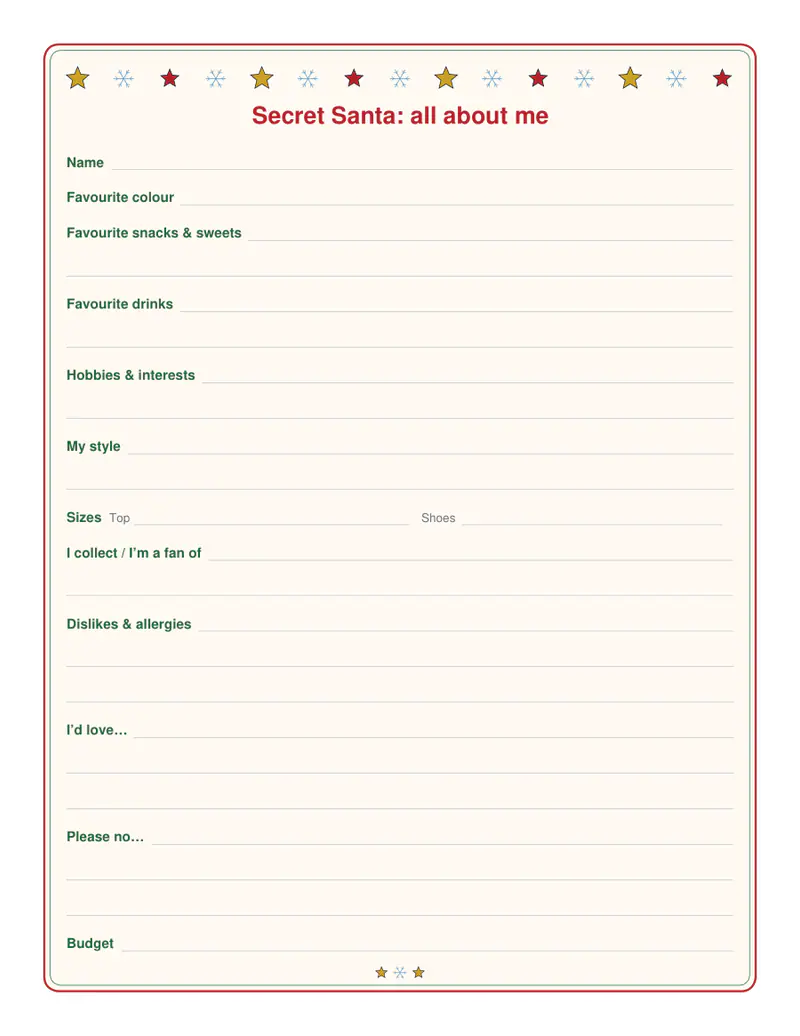
- Name, favourite colour, favourite snacks and sweets, favourite drinks, hobbies and interests, style, top and shoe sizes, what they collect or are a fan of, dislikes and allergies, “I’d love…”, “Please no…” and the budget. The last two lines work as a short wish list.
- Can I add my own questions?
- Yes, up to four, one per line — “Favourite book?”, “Coffee or tea?” — and they are printed before the budget line. You can change the heading too.
- How do I use it with a Secret Santa draw?
- Draw the names with the Secret Santa generator, which gives each person a private link, and hand out the questionnaires. Each filled-in sheet goes to whoever drew that person, so they know what to buy.
- Can I use it for a work gift exchange or a white elephant?
- Yes. Choose the plain border for an office exchange or any time of year, and change the heading to your group’s name. The black-and-white option saves ink on the Christmas border.
- Is anything uploaded?
- No. The PDF is made in your browser, and the names you type stay on this device.
Related tools
✱ Text tools Secret Santa generator Draw the names, send everyone their own link. ⇆ Text tools White elephant gift exchange Shuffle the order, track the steals, keep the peace. ⌸ Christmas gift list Every gift, every budget — nobody forgotten. ⬠ Christmas gift tags One tag for every name on the list.