Picture diary paper
Draw your day, then write about it.
Examples temporarily replace the input and settings. You can restore your previous work.
Pro keeps the settings you use every week and puts them one click away. See Pro
Preview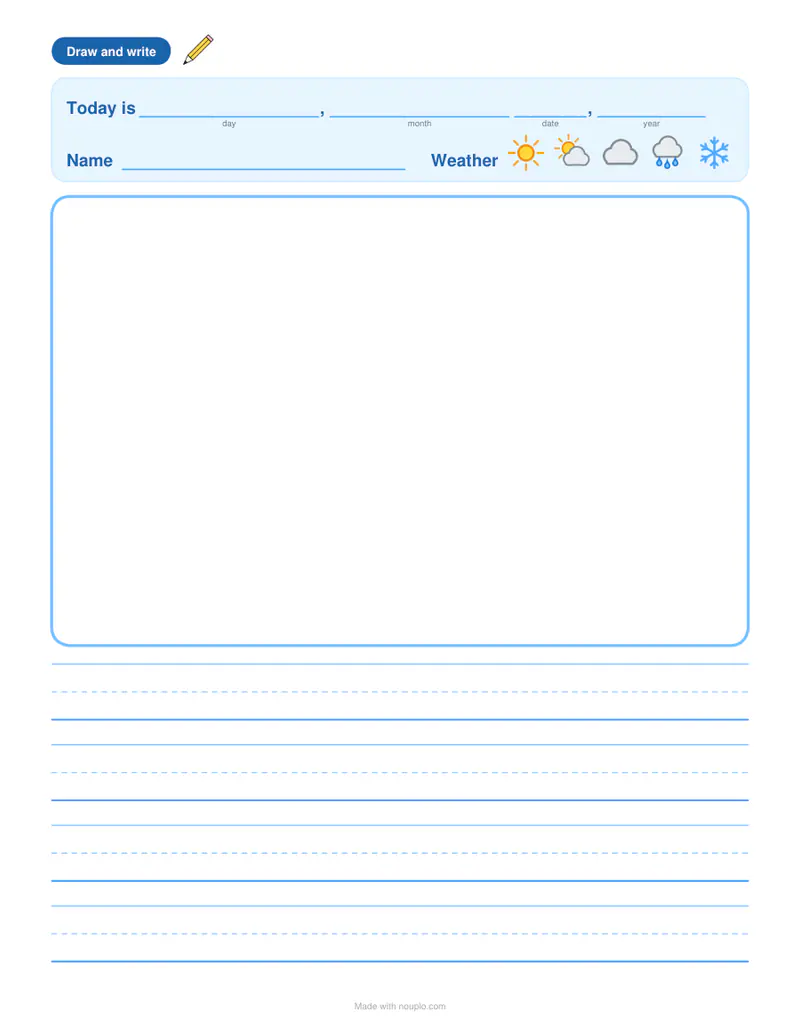
Free PDFs end with a small “Made with nouplo.com” line Remove limits with Pro
Save to PinterestYour files stay on your device
This tool runs entirely in your browser. Nothing is uploaded, nothing is stored, and you can even turn off your internet connection before you start.
Example
Worked example — Picture diary paper
Choose lines or squares and the level for your child’s age. Use the following inputs and settings. Keep the other settings at the page defaults.
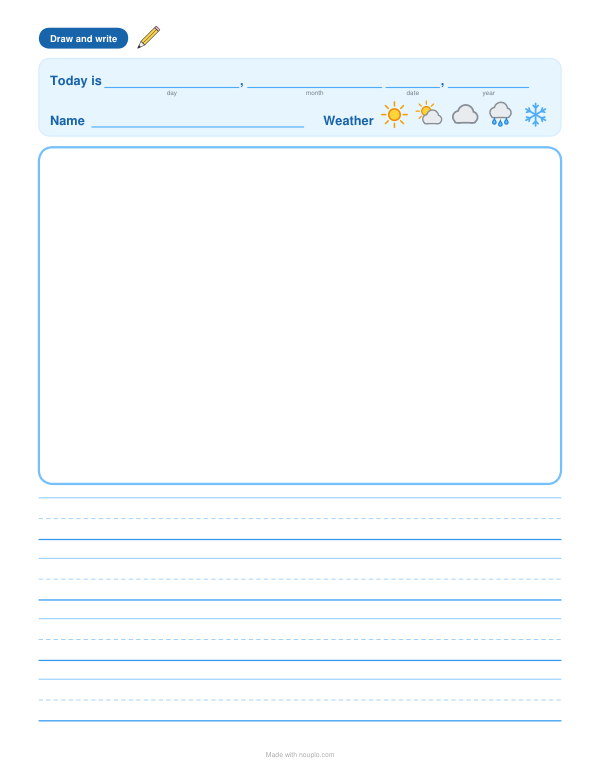
| Item | Value |
|---|---|
| Writing space | Lines |
| Weather to circle | On |
| Pages | 1 |
| Output files | 1 |
| PDF pages | 1 |
| Paper | 216 × 279 mm |
Expected result — PDF · PDF pages: 1 · 216 × 279 mm. The preview shows the first PDF page.
How it works
- Choose lines or squares and the level for your child’s age.
- Pick how many pages — 30 make a month of holiday diary.
- Print; each day your child draws a picture and writes a few sentences about it.
Frequently asked questions
- Why a picture diary?
- Drawing first gives children something to write about; a few sentences a day builds writing confidence and memories.
- Which level should I pick?
- Big picture and big lines for kindergarten to second grade; more and smaller lines as children write more.
- Is it good for the summer holidays?
- Yes — print 30 pages and staple them into a holiday journal.
- Can older children use squares?
- Yes — squares help with letter size and spacing, and suit languages written in squares.
- Is anything uploaded?
- No. The pages are made in your browser.
Related tools
封 Kids writing paper Wide lines and a cheerful border for young writers. ▧ Japanese manuscript paper (genkō yōshi) Blank 400-square sheets, or your Japanese text typed into them the way it is handwritten. ▥ Comic strip template Empty panels, ready for your story. ✿ All about me worksheet A page about me — to write, draw and share.