Happy Halloween banner
Orange, black, purple and lime pennants to string up.
Examples temporarily replace the input and settings. You can restore your previous work.
Pro keeps the settings you use every week and puts them one click away. See Pro
Preview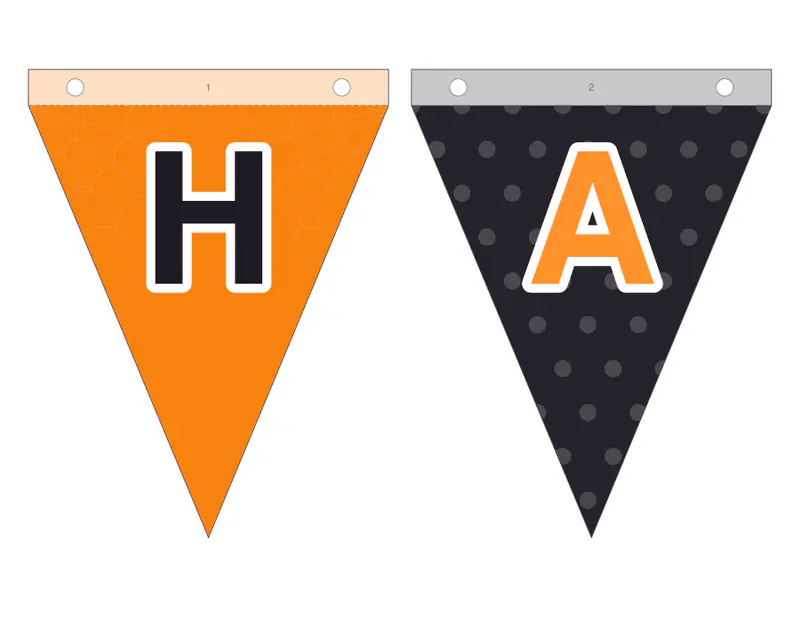
Free PDFs end with a small “Made with nouplo.com” line Remove limits with Pro
Save to PinterestYour files stay on your device
This tool runs entirely in your browser. Nothing is uploaded, nothing is stored, and you can even turn off your internet connection before you start.
Example
Worked example — Happy Halloween banner
Use the following inputs and settings. Keep other settings at the page defaults.
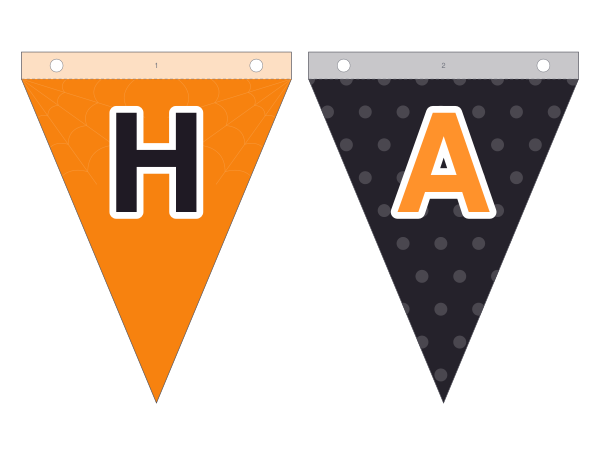
| Item | Value |
|---|---|
| Colours | Halloween — orange, black, purple and lime |
| Design number (change it for new patterns) | 1 |
| Output files | 1 |
| PDF pages | 8 |
| 279 × 216 mm |
Expected result — PDF · PDF pages: 8. The image shows the first PDF page.
How it works
- Keep “Happy Halloween” or type your own words — “Boo!”, “Trick or treat”, a name.
- Choose the pennant shape and how many on each page.
- Print, cut out, punch the holes and string them up in the numbered order.
Frequently asked questions
- How long is the banner?
- Happy Halloween is 14 letters plus a little pumpkin between the words — with two pennants a page that’s 8 sheets.
- Can I write something else?
- Yes — any words; each letter gets a pennant.
- Can it be coloured in?
- Yes — choose outlines in the colours list for pennants to colour.
- Which paper is best?
- Card holds its shape outdoors; on paper, hang it inside.
- Is anything uploaded?
- No. The banner is made in your browser.
Related tools
⚐ Printable letter banner Type the words, print the pennants, string them up. ✿ Halloween party invitation Invitations for a costume party, kids or grown-ups. ◒ Pumpkin carving stencils Tape it on, trace it, carve the black parts. ✿ Fill-in birthday invitations Blank lines to write on, or everything typed.