Yearly calendar on one page
Twelve months on one sheet, holidays in red, ready to pin up.
Examples temporarily replace the input and settings. You can restore your previous work.
Pro keeps the settings you use every week and puts them one click away. See Pro
Preview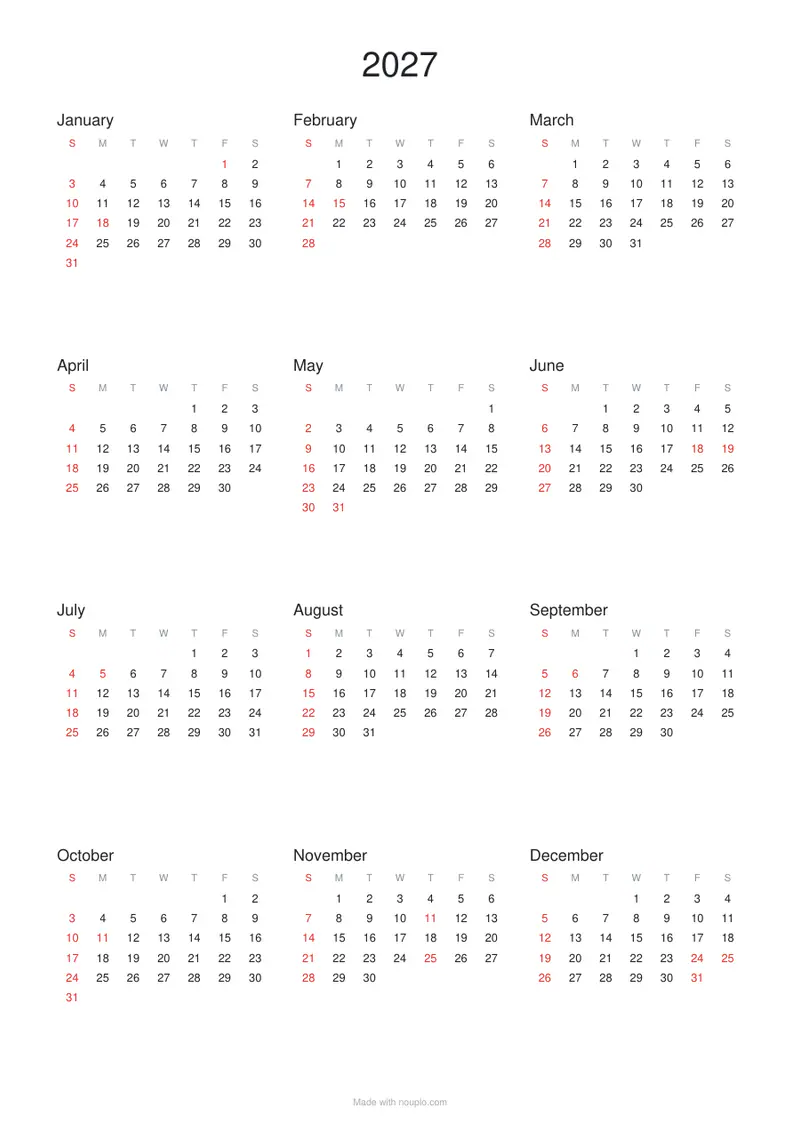
Free PDFs end with a small “Made with nouplo.com” line Remove limits with Pro
Save to PinterestYour files stay on your device
This tool runs entirely in your browser. Nothing is uploaded, nothing is stored, and you can even turn off your internet connection before you start.
Example
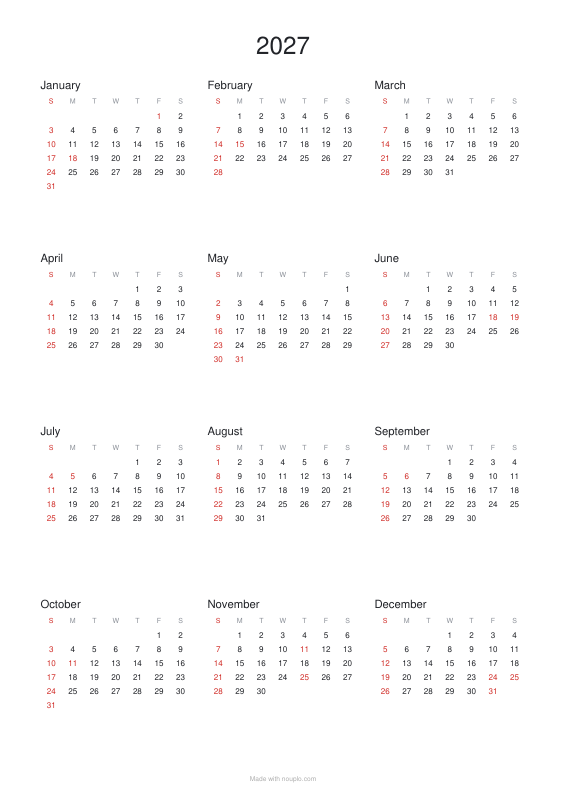
Worked example — Yearly calendar on one page
Use the following inputs and settings. Keep other settings at the page defaults.
| Item | Value |
|---|---|
| layout | year |
| Orientation | Portrait |
| Year | Automatic (next year from September) |
| Output files | 1 |
| PDF pages | 1 |
| 210 × 297 mm |
Expected result — PDF · PDF pages: 1. The image shows the first PDF page.
How it works
- Choose the year and the holidays to mark.
- Choose Sunday or Monday as the first day of the week.
- Pick the paper and orientation, then download and print.
Frequently asked questions
- Can I start the year in April?
- Yes: choose April as the first month to print April to March.
- Which holidays are marked?
- National holidays for the United States, the United Kingdom (England & Wales), Canada, Australia, Japan, South Korea, Germany, Austria, Switzerland (most cantons), France, Spain, Portugal, Italy, Türkiye, Mexico, Brazil, Argentina, Colombia, Chile or Peru, as chosen.
- Is it free?
- Yes. The free plan adds a small “Made with nouplo.com” line at the foot of the page; Pro leaves it off.
Made for a specific use
- Year at a glance calendar
- School holiday calendar
- Baden-Württemberg school holiday calendar
- Bavaria school holiday calendar
- Berlin school holiday calendar
- Brandenburg school holiday calendar
- Bremen school holiday calendar
- Hamburg school holiday calendar
- Hesse school holiday calendar
- Mecklenburg-Western Pomerania school holiday calendar
- Lower Saxony school holiday calendar
- North Rhine-Westphalia school holiday calendar
- Rhineland-Palatinate school holiday calendar
- Saarland school holiday calendar
- Saxony school holiday calendar
- Saxony-Anhalt school holiday calendar
- Schleswig-Holstein school holiday calendar
- Thuringia school holiday calendar
- France school holiday calendar, zone A
- France school holiday calendar, zone B
- France school holiday calendar, zone C
- Mexico calendar with holidays
- Argentina calendar with holidays
- Colombia calendar with holidays
- Chile calendar with holidays
- Peru calendar with holidays
- Portugal calendar with holidays
- Austria calendar with holidays
- Switzerland calendar with holidays
- Canada calendar with holidays
- Australia calendar with holidays
- Fiscal year calendar
Related tools
▤ Printable calendar Monthly pages with room to write, or the year at a glance, with your country’s holidays marked. ▧ Printable graph paper Grids drawn as exact vector lines, so they print sharp and true to size. ▤ Text tools Date calculator Days between two dates, or the date 100 days on — business days too. 暦 Text tools Japanese era converter 平成2年 ⇄ 1990, R5.4.1 ⇄ 1 April 2023 — with the day the era changed in the years it did.