Grid copy worksheets
Look, count, copy — one square at a time.
Examples temporarily replace the input and settings. You can restore your previous work.
Pro keeps the settings you use every week and puts them one click away. See Pro
Preview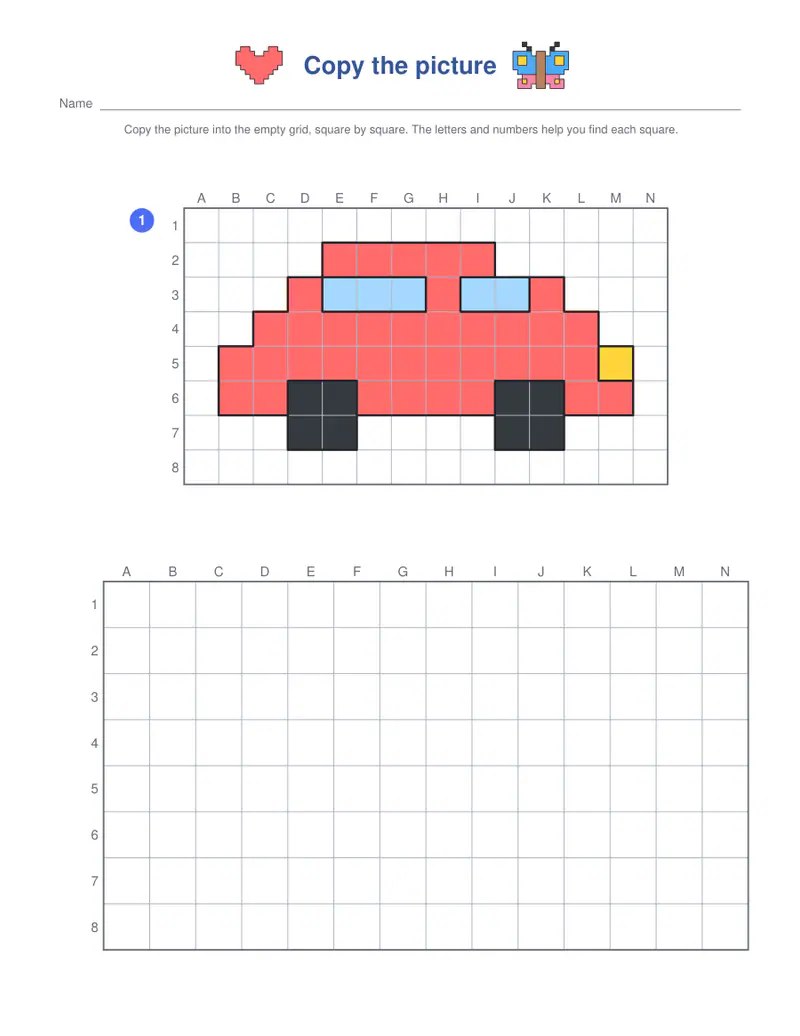
Free PDFs end with a small “Made with nouplo.com” line Remove limits with Pro
Save to PinterestYour files stay on your device
This tool runs entirely in your browser. Nothing is uploaded, nothing is stored, and you can even turn off your internet connection before you start.
Example
Worked example — Grid copy worksheets
Use the following inputs and settings. Keep other settings at the page defaults.
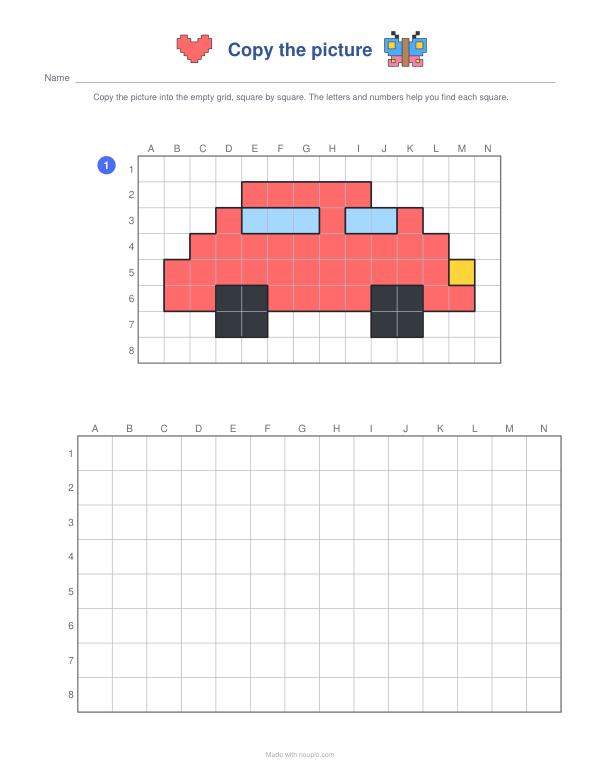
| Item | Value |
|---|---|
| Exercise | Copy the picture |
| Pages | 1 |
| Worksheet number (change it for new ones) | 1 |
| Output files | 1 |
| PDF pages | 1 |
| 216 × 279 mm |
Expected result — PDF · PDF pages: 1. The image shows the first PDF page.
How it works
- Choose the level: bigger squares and simple pictures first.
- Pick coloured or line models and how many pages.
- Print; children copy the model into the empty grid, using the letters and numbers to find each square.
Frequently asked questions
- What does copying on a grid train?
- Spatial thinking and careful looking: finding the same square by its row and column, then copying lines and diagonals exactly — a base for maps, coordinates and drawing.
- What are the letters and numbers for?
- They name each square, like a map — B3 is column B, row 3 — so children can check where they are.
- Which age is it for?
- From about six with the easy level; the hard grids suit older children and adults who like drawing.
- Is there a symmetry version?
- Yes — the symmetry drawing worksheets show half a picture to complete in the mirror.
- Is anything uploaded?
- No. The worksheets are made in your browser.