Bubble letters
Round, puffy letters for any word or name.
Examples temporarily replace the input and settings. You can restore your previous work.
Pro keeps the settings you use every week and puts them one click away. See Pro
Preview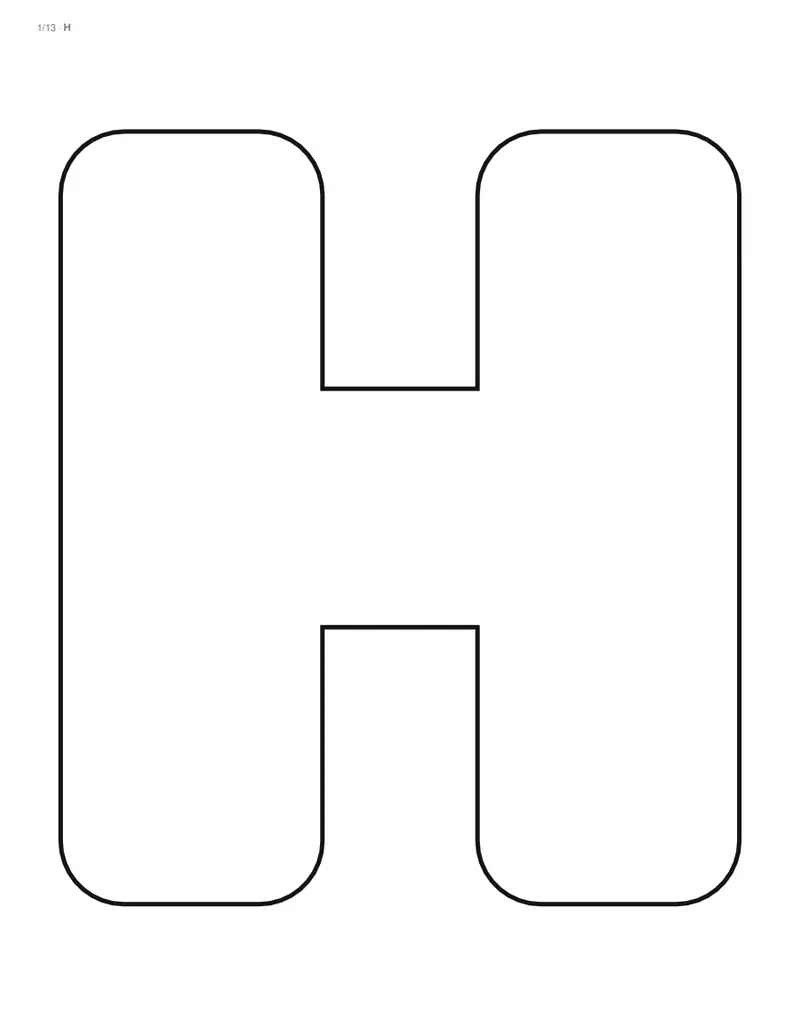
Free PDFs end with a small “Made with nouplo.com” line Remove limits with Pro
Save to PinterestYour files stay on your device
This tool runs entirely in your browser. Nothing is uploaded, nothing is stored, and you can even turn off your internet connection before you start.
Example
Worked example — Bubble letters
Use the following inputs and settings. Keep other settings at the page defaults.
| Item | Value |
|---|---|
| Style | Bubble letters |
| Output files | 1 |
| PDF pages | 13 |
| 216 × 279 mm |
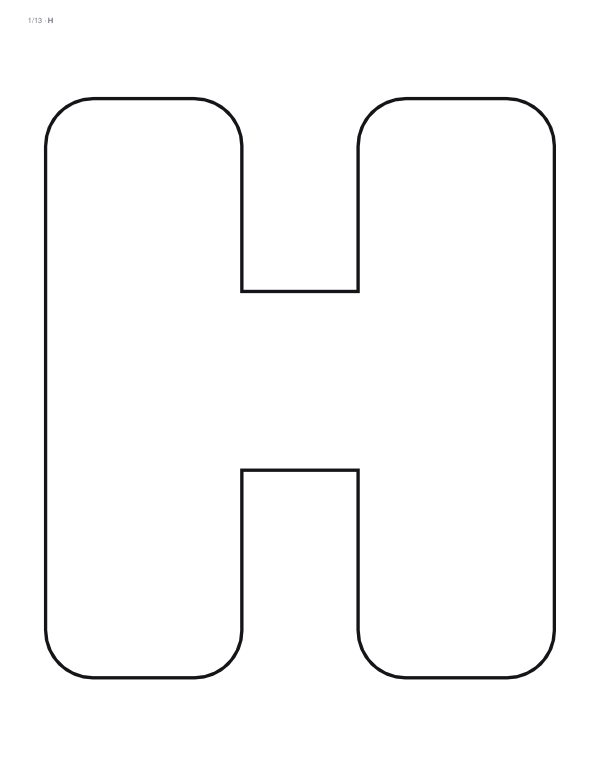
Expected result — PDF · PDF pages: 13. The image shows the first PDF page.
How it works
- Type a word or a name.
- Choose the font, capitals or small letters, a pattern inside and how many letters on each page.
- Download the PDF, print and colour in or cut out the letters.
Frequently asked questions
- Can I print a name in bubble letters?
- Yes. Type any word or name, up to 60 letters, and each letter is printed on its own page, or two or four to a page for smaller letters.
- What do the bubble letters look like?
- Each letter is grown round and puffed out, with the holes of letters such as a, b and o kept open so the word stays easy to read. The outline is thick and black, ready to colour in.
- Can I add a pattern?
- Yes: polka dots or stripes inside the letters, or leave them plain. For an all-over alphabet, type A to Z and print four letters a page.
- Is anything uploaded?
- No. The letters are made in your browser, and nothing you type leaves your device. On the free plan a small line with our name is printed at the foot of the last page.